
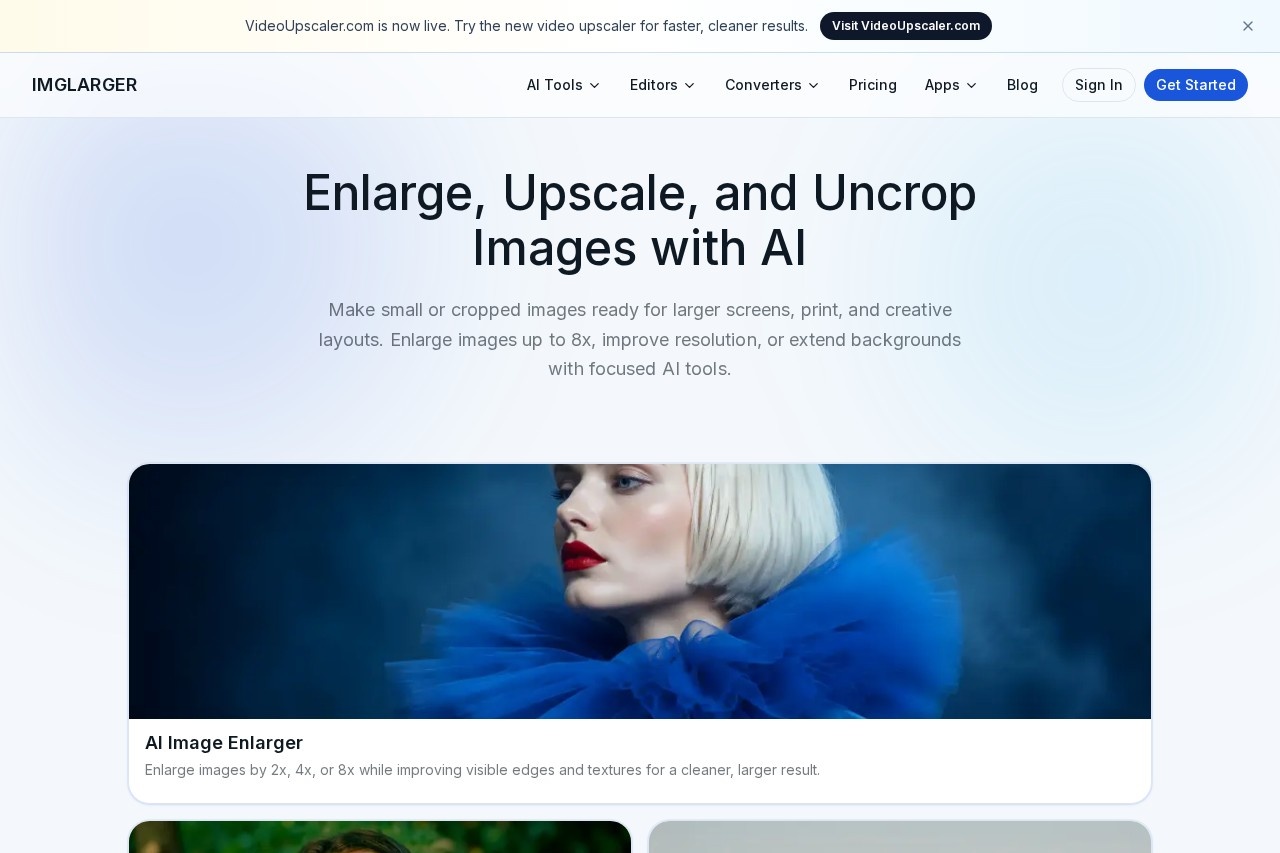
ImgLarger is a browser-based AI image toolkit that enlarges photos up to 8x, upscales low-resolution images, uncrops backgrounds, and converts formats for photographers and designers.
About
ImgLarger is an online AI image toolkit that addresses a common problem: small, cropped, blurry, or low-resolution images that look poor on large screens or in print. Instead of stretching pixels with basic resizing, its AI tools reconstruct edges and textures so enlarged or upscaled results stay usable.
The site is organized around focused, single-purpose workflows rather than one complex editor. Users pick a tool such as the AI Image Enlarger (2x, 4x, or 8x), the AI Image Upscaler (2x or 4x), the AI Image Extender for outpainting beyond the original frame, the AI Photo Enhancer, the AI Sharpener, or the Background Remover. Alongside these, ImgLarger provides free browser-based editors (crop, rotate, filters, color and lighting adjustments) and free format converters covering JPG, PNG, WebP, and HEIC, with batch processing and optional resizing. Results can be previewed against the original before downloading.
Key Features
Pricing & Fees
- Pricing: Free plan at $0/month with 100 credits; Premium at $9.99/month with 2,000 credits; Business at $19.99/month with 6,000 credits. Yearly billing saves 20%.
- Free tier: The free plan includes 100 credits per month, 2x scaling, single-image processing, a 1024px input limit, and unlimited use of all editor and converter tools, which never consume credits.
- Plan limits: 8x scaling, batch processing, higher input limits, and priority processing or support are available on paid plans; unused credits do not carry over.
- File privacy: Uploaded and processed images are automatically deleted within six hours rather than stored in a public gallery.
- Refund policy: A 7-day money-back guarantee applies, and subscriptions can be canceled at any time with credits remaining usable until the end of the billing cycle.
Who It's For
ImgLarger suits photographers and graphic designers who need to prepare low-resolution files for print, presentations, or high-resolution displays. E-commerce sellers can use the Background Remover and enlarger for product imagery, while collectors or families may find the colorizer and old photo repair tools useful for restoring scanned pictures. Casual users who just need a quick format conversion or a simple crop can use the free editors and converters without an account upgrade. The toolset is browser-based, so no desktop installation is required.
FAQ
What is ImgLarger?ImgLarger is a web-based AI toolkit for enlarging images up to 8x, upscaling low-resolution photos, uncropping and extending backgrounds, enhancing quality, removing backgrounds, and converting image formats.
Is ImgLarger free to use?Yes, a free plan provides 100 credits per month, 2x scaling, and all editor and converter tools; paid plans start at $9.99/month for more credits, 8x scaling, and batch processing.
What platforms does ImgLarger run on?The tools run in a web browser, and the site also lists mobile apps (AI Enlarger App and Photo AI) alongside its online service.
Does ImgLarger keep my uploaded images?No, uploaded and processed files are automatically deleted within six hours, and results are not stored as a permanent public gallery.
What is the difference between enlarging and upscaling on ImgLarger?Enlargement offers 2x, 4x, or 8x scaling with improved edges and textures, while the focused upscaler targets 2x or 4x resolution increases with reduced pixelation and compression artifacts.
Related Tutorials
View all →
Related Tools
View all → PicWish PicWish is an AI photo editor that removes backgrounds, enhances image quality, restores old photos, and generates AI backgrounds for e-commerce sellers, designers, and casual users.
  VanceAI VanceAI is a web and desktop suite of AI tools for upscaling, sharpening, denoising, restoring, colorizing and editing photos and video, aimed at creators, e-commerce sellers and developers.
  Photoroom Photoroom is an AI photo editing and product photography platform that helps e-commerce sellers and creators remove backgrounds, generate product scenes, and produce listings at scale.
  Clipdrop Clipdrop is a suite of AI image editing and generation tools, including background removal, object cleanup, upscaling and text-to-image, available on the web and via API. 123RF 123RF is a long-established stock content marketplace offering royalty-free photos, vectors, illustrations, video clips, audio, and AI-powered image generation and editing tools for creatives.