Removal.AI - AI 智能去除图片背景
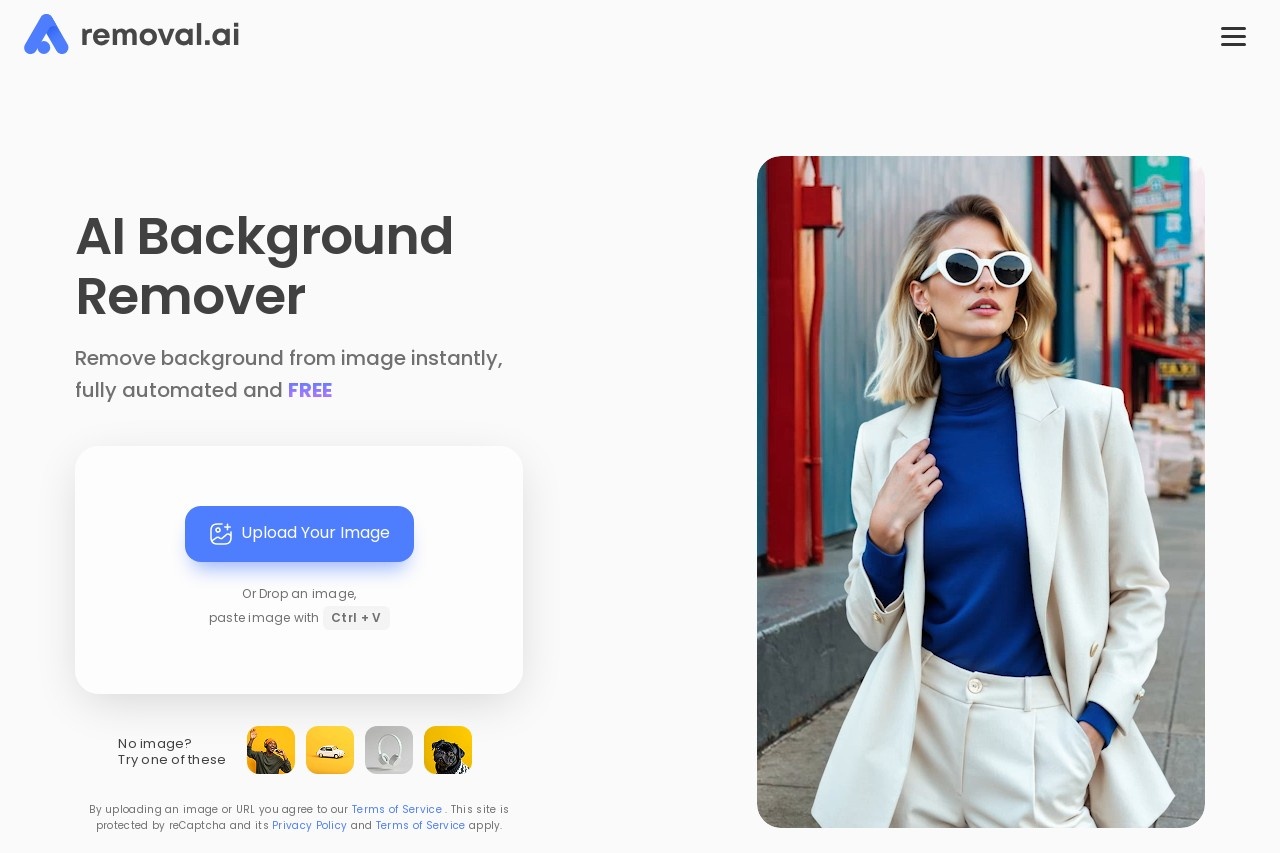
Image Background Remover:AI 智能去除图片背景
欢迎使用 Image Background Remover,一款基于人工智能技术的免费在线工具,可快速、精准地去除图片背景。无需注册或下载软件,只需上传图片,即可在几秒内获得透明背景的图片,满足您的各种设计需求。
主要功能
- 一键去除背景:上传图片后,AI 自动识别主体并移除背景。
- 高精度处理:支持复杂边缘(如头发、羽毛等)的细节保留。
- 多种格式导出:可下载 PNG、JPG 或透明背景的图片。
- 完全免费:无隐藏收费,无需订阅或注册。
特色优势
与其他工具相比,我们的服务具有以下优势:
- 极速处理:AI 算法优化,处理时间仅需数秒。
- 无需技术基础:操作简单,三步完成背景去除。
- 隐私保护:上传的图片不会存储在服务器中。
- 适配多场景:适用于电商、设计、社交媒体等多种用途。
适用人群
无论是个人还是企业用户,均可从中受益:
- 电商卖家:快速制作商品白底图或场景合成图。
- 设计师:节省手动抠图时间,提升工作效率。
- 社交媒体用户:为照片添加创意背景或制作表情包。
- 普通用户:简单编辑生活照片或证件照。
常见问题
- 支持哪些图片格式?
支持 JPG、PNG、WEBP 等常见格式,最大 10MB。 - 处理后的图片质量会降低吗?
AI 会保持原始分辨率,边缘处理清晰。 - 是否需要注册?
完全不需要,上传即可使用。 - 能否批量处理图片?
目前仅支持单张图片处理,后续将推出批量功能。
English
Image Background Remover: AI-Powered Background Removal
Welcome to Image Background Remover, a free online tool powered by artificial intelligence that quickly and accurately removes image backgrounds. No registration or software download is required — simply upload an image and get a transparent-background version within seconds, meeting all your design needs.
Key Features
- One-Click Background Removal: After uploading an image, the AI automatically identifies the subject and removes the background.
- High-Precision Processing: Preserves fine details around complex edges such as hair and feathers.
- Multiple Export Formats: Download images as PNG, JPG, or with transparent backgrounds.
- Completely Free: No hidden fees, subscriptions, or registration required.
Highlights
Compared to other tools, our service offers the following advantages:
- Lightning-Fast Processing: Optimized AI algorithms complete the job in just seconds.
- No Technical Skills Needed: Simple operation — remove backgrounds in just three steps.
- Privacy Protection: Uploaded images are never stored on our servers.
- Versatile Applications: Suitable for e-commerce, design, social media, and more.
Who It's For
Both individuals and businesses can benefit from this tool:
- E-commerce Sellers: Quickly create white-background product photos or composite scene images.
- Designers: Save time on manual cutouts and boost productivity.
- Social Media Users: Add creative backgrounds to photos or make memes.
- Everyday Users: Easily edit personal photos or ID photos.
FAQ
- What image formats are supported?
Common formats such as JPG, PNG, and WEBP are supported, with a maximum file size of 10MB. - Will the image quality be reduced after processing?
The AI preserves the original resolution and delivers clean edge details. - Do I need to register?
Not at all — just upload and use. - Can I process images in batches?
Currently, only single-image processing is supported. Batch processing will be available in a future update.