
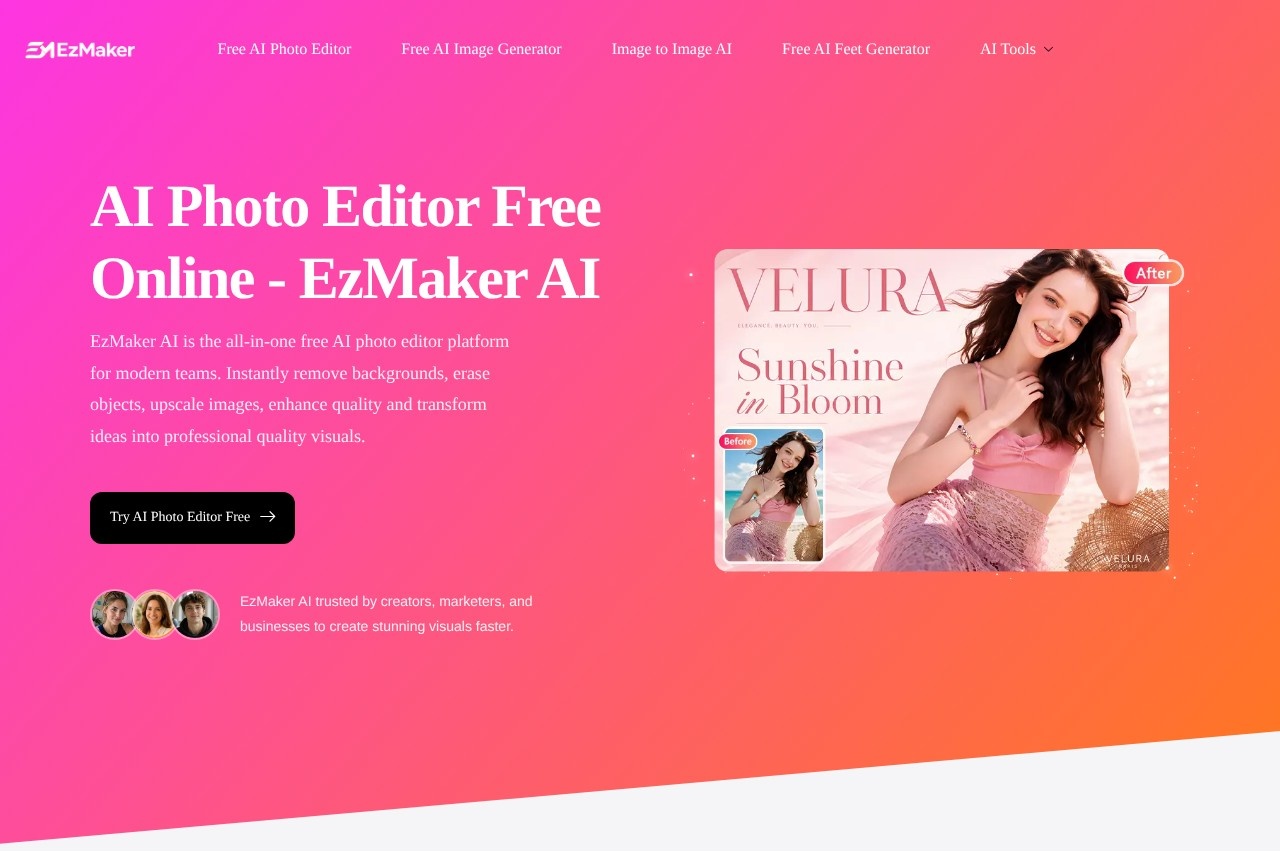
EzMaker AI is a free online AI photo editor that removes backgrounds, erases objects, upscales and enhances images without sign-up.
About
EzMaker AI is a free, browser-based AI photo editor that bundles common image editing tasks — object removal, background replacement, image enhancement, upscaling, and outpainting — into a single tool that works without creating an account. It is aimed at people who need quick edits, such as cleaning up product photos or fixing blurry images, but who do not want to learn layered desktop software like Photoshop.
The workflow is prompt-driven: a user uploads an image (JPG, PNG, or WebP are supported), describes the change in plain language or brushes over an area, and downloads the result within seconds. The vendor states that processing runs on GPU-backed AI models and that uploaded photos are deleted from its servers within 24 hours and are not used for third-party model training.
Key Features
Pricing & Fees
- Pricing: The site presents the editor as free to use; no paid plans or prices are listed on the pages reviewed. Check the official site for current terms.
- No sign-up required: The vendor states the editor can be used without creating an account, with unlimited use of its features.
- Browser-based: The tool runs online, accepts JPG, PNG, and WebP uploads, and requires no desktop software installation.
- Privacy policy on uploads: The vendor says uploaded photos are permanently deleted within 24 hours and are not saved or used for third-party training.
Who It's For
EzMaker AI suits e-commerce sellers who need clean product shots, social media marketers producing visuals on deadline, travel and content bloggers removing photobombers from photos, and freelancers or designers who need quick upscaling, background swaps, or layout extensions without desktop software. It also fits small business owners handling their own product photography with a phone who want professional-looking results quickly.
FAQ
What is EzMaker AI?EzMaker AI is a free online AI photo editor that removes objects and backgrounds, enhances and upscales photos, and expands image dimensions, all without requiring sign-up.
Is EzMaker AI really free?The site presents the editor as free with no listed paid plans or prices; pricing is not publicly listed on the pages reviewed, so check the official site for current terms.
What image formats does EzMaker AI support?The tool accepts JPG, PNG, and WebP files uploaded from a device or dragged directly into the browser editor.
How does EzMaker AI handle uploaded photos?The vendor states that uploaded images are permanently deleted from its servers within 24 hours and are not used for third-party model training.
How does it compare with desktop editors like Photoshop?EzMaker AI targets quick, single-purpose edits — erasing objects, swapping backgrounds, upscaling — through prompts and brush strokes, rather than the manual layer-based workflow of a full desktop editor.
Related Tutorials
View all →
Related Tools
View all → Clipdrop Clipdrop is a suite of AI image editing and generation tools, including background removal, object cleanup, upscaling and text-to-image, available on the web and via API.
  PxBee PxBee is a free browser-based AI photo editor that removes and replaces backgrounds, enhances image quality, and upscales photos for e-commerce and creative use.
  remove.bg remove.bg is an online AI tool that removes image backgrounds automatically in seconds, producing transparent PNGs or clean cutouts for designers, sellers, and marketers.
  PicWish PicWish is an AI photo editor that removes backgrounds, enhances image quality, restores old photos, and generates AI backgrounds for e-commerce sellers, designers, and casual users.
  Photoroom Photoroom is an AI photo editing and product photography platform that helps e-commerce sellers and creators remove backgrounds, generate product scenes, and produce listings at scale.