
Ddict is a free browser-based AI translation and writing assistant that translates selected text and looks up words on any website with a click or keypress.
About
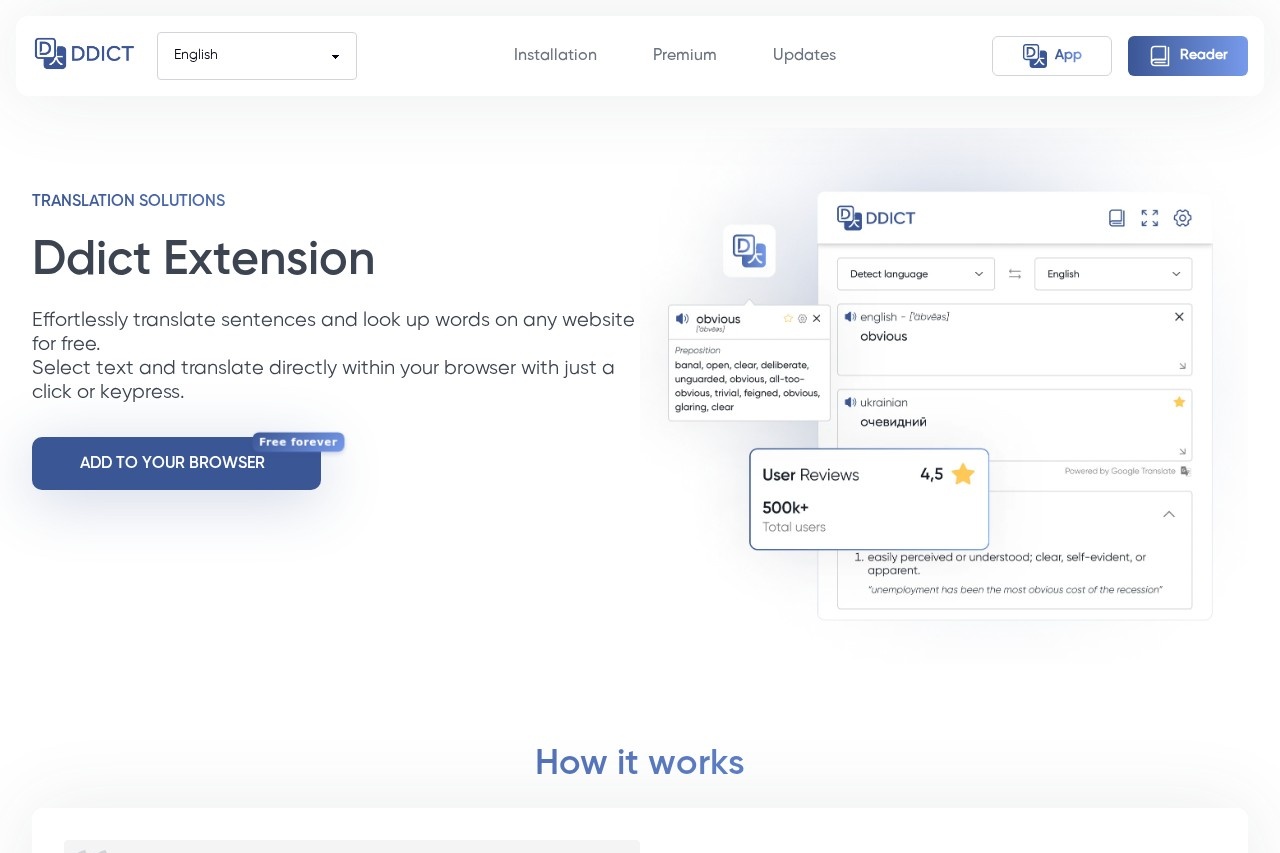
Ddict is a free translation and writing assistant that works inside the browser. It addresses a common friction point for anyone reading foreign-language content: normally, checking an unfamiliar word or sentence means copying it into a separate translation site and switching back and forth between tabs. Ddict removes that step by letting users highlight text directly on a webpage and receive a translation with a click or a keyboard shortcut.
At a high level, Ddict combines two functions: sentence translation and word lookup. When a user selects text, the tool translates it in place, so reading articles, documentation, or emails in another language becomes faster and less disruptive. The product is positioned as an AI translation and writing assistant, with its core dictionary and translation features available at no cost. The official site describes it as a free tool, and no paid plans are mentioned on the pages reviewed.
Key Features
Pricing & Fees
- Pricing: Not publicly listed on the pages we reviewed; check the official site for current plans. The site itself presents the tool as free.
- Cost of core features: Translation and word lookup are described as free on the official site.
- Platform: Ddict runs in the browser, so it is available wherever the user browses rather than as a standalone desktop application.
Who It's For
Ddict suits people who regularly read content in a language they are still learning. Language learners can use the word lookup to build vocabulary while reading authentic material. Students and researchers working through foreign-language papers or documentation can translate passages without breaking their reading flow. Professionals who handle international emails or websites get quick sentence-level translations, and casual readers browsing news or forums in other languages benefit from the same select-and-translate workflow.
FAQ
What is Ddict?Ddict is a free AI translation and writing assistant that translates selected text and looks up words on any website directly within the browser.
Is Ddict free to use?Yes, the official site presents its translation and word lookup features as free, and no paid plans appear on the pages reviewed.
How do you translate text with Ddict?A user selects the text on a webpage and triggers the translation with a click or a keypress; the translation is shown without leaving the page.
Does Ddict work on any website?Ddict is designed to work within the browser on ordinary web pages, so selected text on a page can be translated in place.
Does Ddict only translate words?No; it handles both single-word dictionary lookups and full sentence or phrase translation, which makes it useful for both vocabulary building and reading comprehension.
Related Tutorials
View all →
Related Tools
View all → AI Tool - AI-Powered Solutions This AI tool provides intelligent solutions to streamline workflows, enhance productivity, and deliver accurate results across various tasks.
  iFlytek Writing This AI tool helps you create stunning visuals and designs effortlessly, perfect for marketers and creators.
  Monica Monica is an all-in-one AI assistant that combines leading AI models for chat, writing, translation, search, and research across web, browser extension, desktop, and mobile.
  Intent Intent is an AI-driven cross-language messaging app with real-time translation, AI voice cloning, speech-to-text transcription, writing suggestions, and tone guidance. Connect truly using your own voice.
  Writesonic Writesonic is an AI writing tool that creates SEO-optimized content, including GEO and AI-powered copywriting.