
AudioStrip is a free online vocal isolator that separates or removes vocals from any song, useful for musicians, producers, and karaoke fans.
About
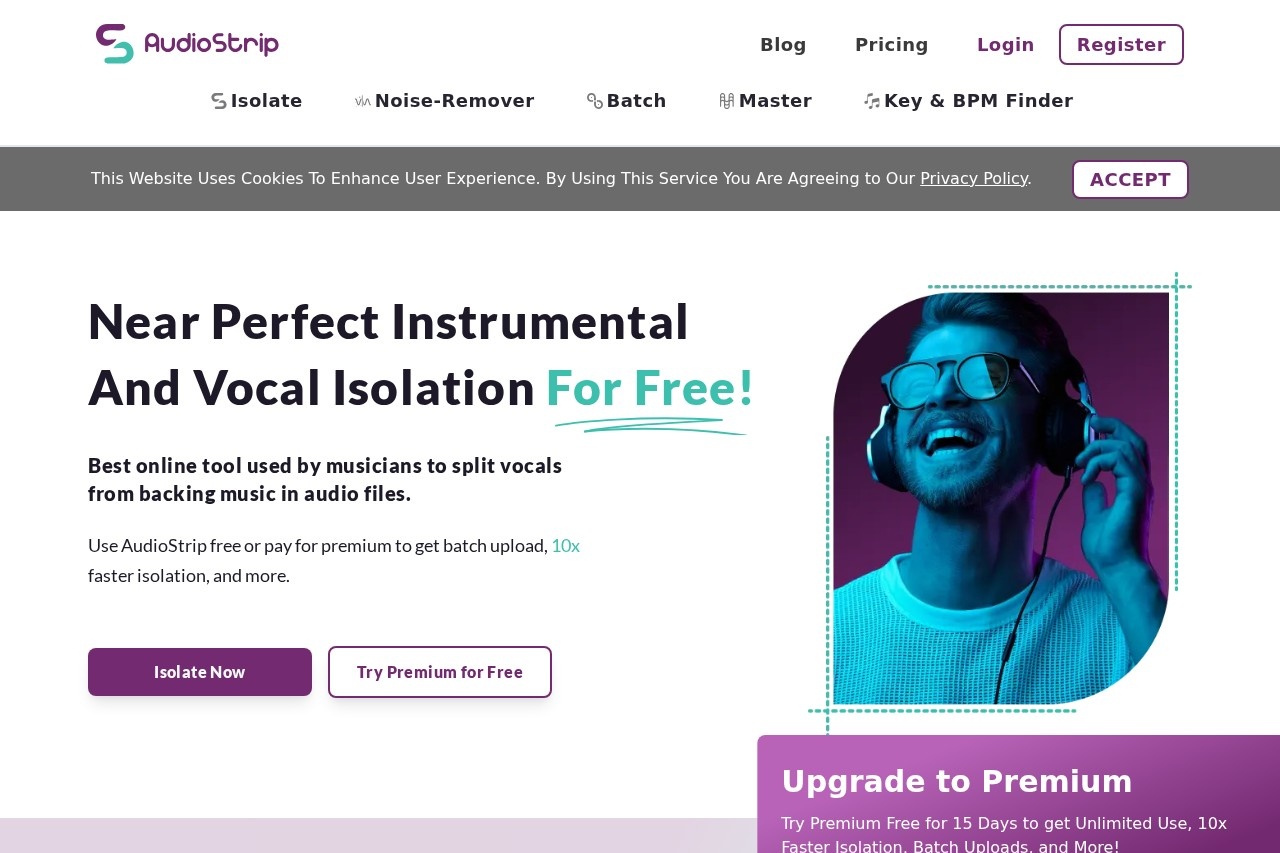
AudioStrip is a web-based audio tool that separates vocals from the instrumental parts of a song. Its core purpose is simple: users upload a track, and the service produces a version with the vocals isolated and a version with the vocals removed. This addresses a common need in music production, practice, and remixing, where obtaining an a cappella or a clean backing track from a finished recording is otherwise difficult.
The site markets itself as a free online vocal isolator that works on "any song." It runs in the browser rather than as a desktop application, so no installation is required. The vendor behind AudioStrip is based in the United Kingdom, as reflected by its .co.uk domain. Details about the company itself are limited, and the product's public pages focus mainly on the vocal isolation and removal capability.
Key Features
Pricing & Fees
- Pricing: Not publicly listed on the pages we reviewed; check the official site for current plans. The site's own descriptions emphasize free use, suggesting at least a free tier, but exact plan details are not shown.
- Availability: Accessible online at audiostrip.co.uk through a web browser, with no desktop installation required.
- Use your own audio: The tool is designed around songs supplied by the user rather than a built-in music library.
- Single core function: The reviewed pages describe vocal removal and isolation only; additional features could not be confirmed.
Who It's For
AudioStrip is aimed at anyone who needs to separate vocals from a backing track. That includes music producers and remixers looking for a cappellas or instrumentals to work with, DJs preparing edits, singers and instrumentalists practicing along to karaoke-style backing tracks, and content creators who need instrumental versions for videos. Because it is free to try in a browser, it is also a low-commitment option for hobbyists who want to experiment with vocal separation before investing in paid audio software.
FAQ
What is AudioStrip?AudioStrip is a free online tool that isolates or removes the vocals from any song a user uploads, producing separate vocal and instrumental versions.
Is AudioStrip free to use?The site describes itself as a free online vocal isolator, so a free usage option exists; any paid plans or limits are not publicly listed on the pages we reviewed.
Do I need to install software to use AudioStrip?No, AudioStrip runs in a web browser, so users upload audio and receive results without installing anything.
What file types or integrations does AudioStrip support?The reviewed pages do not specify supported file formats or third-party integrations, so users should check the official site for current details.
Are there limits on how many songs I can process?Any usage limits, such as the number of tracks or file length, are not stated on the pages we reviewed; the official site should be consulted for specifics.
Related Tutorials
View all →
Related Tools
View all → LALAL.AI LALAL.AI is an AI audio and video processing service that removes vocals, splits songs into instrument stems, and cleans or transforms voice recordings.
  Moises Moises is an AI music app and creative suite that separates song stems, removes vocals, changes tempo, finds chords, and helps musicians practice and collaborate.
  EaseUS Vocal Remover EaseUS Vocal Remover is a free online AI tool that separates vocals from music in audio and video files, producing karaoke, instrumental, and acapella tracks.
  VocalRemoverOak VocalRemoverOak is a browser-based AI vocal remover that separates vocals from instrumentals, splits stems, and extracts music from songs, videos, and YouTube links for creators and karaoke users.
  Clumi AI Clumi AI is a browser-based audio platform that separates vocals, instruments and stems from songs and video, and cleans noise, echo and reverb for free.