
Free online AI image blending — intelligently merge 2–5 photos into one seamless artwork.
About
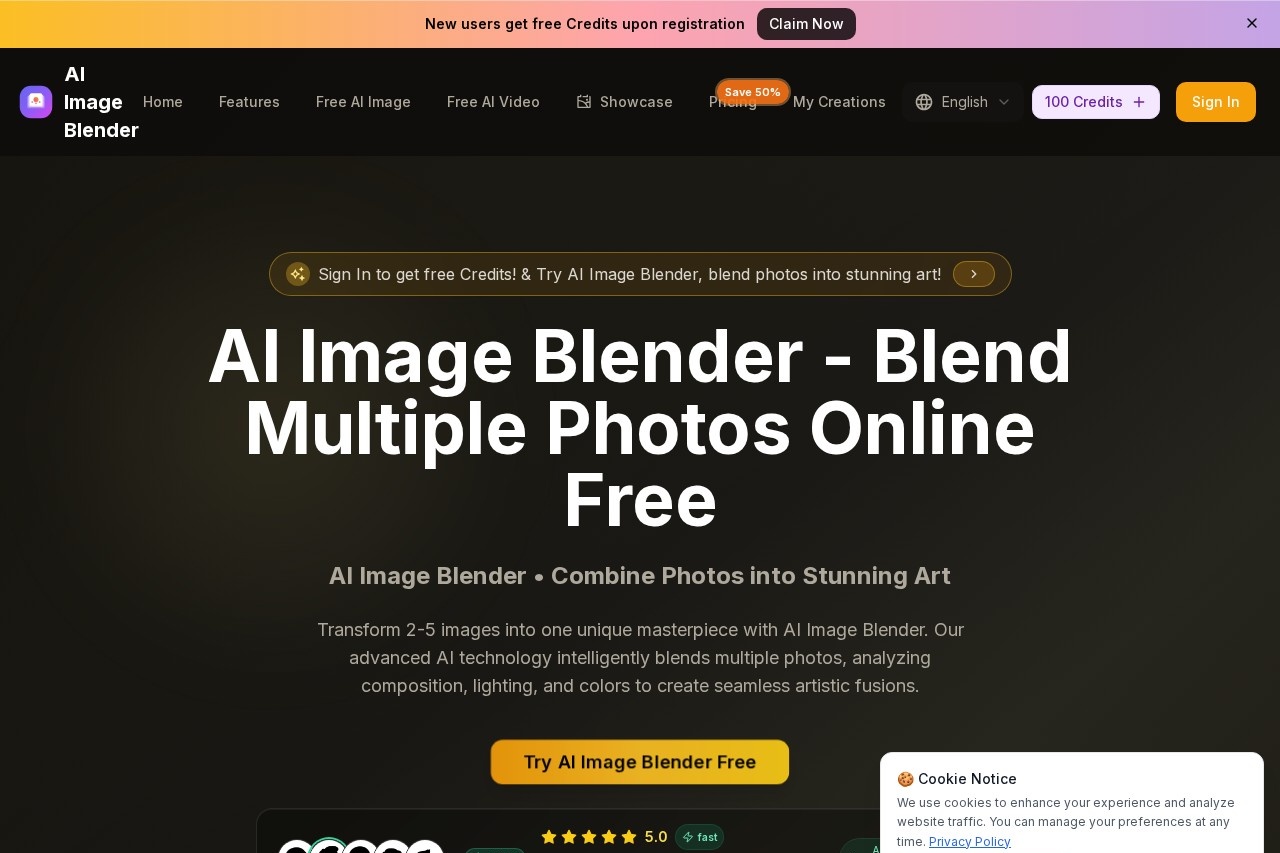
AI Image Blender is a free online tool that merges 2 to 5 photos into a single seamless image. Instead of manually masking and compositing in an editor, you upload the photos and let the AI blend them into one coherent artwork — matching light, color, and edges so the result reads as a single picture rather than a collage. It runs in the browser and requires no design skills.
Key Features
Pricing & Fees
- Pricing: Three annual subscription plans with a 50% flash-sale discount: Basic at $19.9 (sale $9.9)/month with 12,000 credits/year, Professional at $47.9 (sale $23.9)/month with 30,000 credits/year, and Enterprise at $127.9 (sale $63.9)/month with 120,000 credits/year. Monthly and one-time purchase options are also offered.
- Free Credits: New users receive free credits upon registration, which can be used to try the tool before paying; each blend costs 10 credits.
- Plan Features: All plans include multi-image blending of 2–5 photos, unlimited downloads, permanent blend history, and a commercial use license; higher tiers add advanced blending styles and priority processing.
- Usage Limits: Each blend accepts 2–5 images in JPG, PNG, or WEBP format, with a maximum of 5 files at 5MB each, and 1–10 results per generation.
- Cancellation: Subscriptions can be cancelled anytime by contacting the support email; annual plans are billed with the full year's credits upfront.
Who It's For
It is for social media creators making shareable composite art, pet owners and couples creating fun merged portraits, designers exploring quick concept art, and anyone who wants photo-mixing results without learning Photoshop compositing.
FAQ
How many photos can I blend?Between 2 and 5 images per blend.
Do I need to mask the images first?No — the AI blends them automatically.
Is it free?Yes — the tool is free and runs in the browser.
Related Tutorials
View all →


Related Tools
View all → PPT Master - AI Generates Natively Editable PPTX from Any Document Drop in a PDF, DOCX, URL, or Markdown and get a natively editable PowerPoint with real shapes, not images. Open source templates and live examples.
 Bing Image Creator Create AI-generated images with Bing Image Creator. Turn text prompts into unique visuals effortlessly.
 PixPix PixPix is an all-in-one AI creative platform for ecommerce product photos, detail pages, AI model visuals, and short marketing videos.
 Imagen Imagen generates high-quality images from text prompts. Bring your ideas to life.
 Seedream 4.0 Seedream 4.0 generates AI images in one second, with editing and animation for perfect character consistency.