Clipto - AI Transcription & Knowledge Assistant for Mac
Turn audio and video into searchable knowledge with Clipto AI. Transcribe meetings, podcasts, and videos with 99% accuracy, identify speakers, generate summaries, and organize everything on your Mac.
Introduction
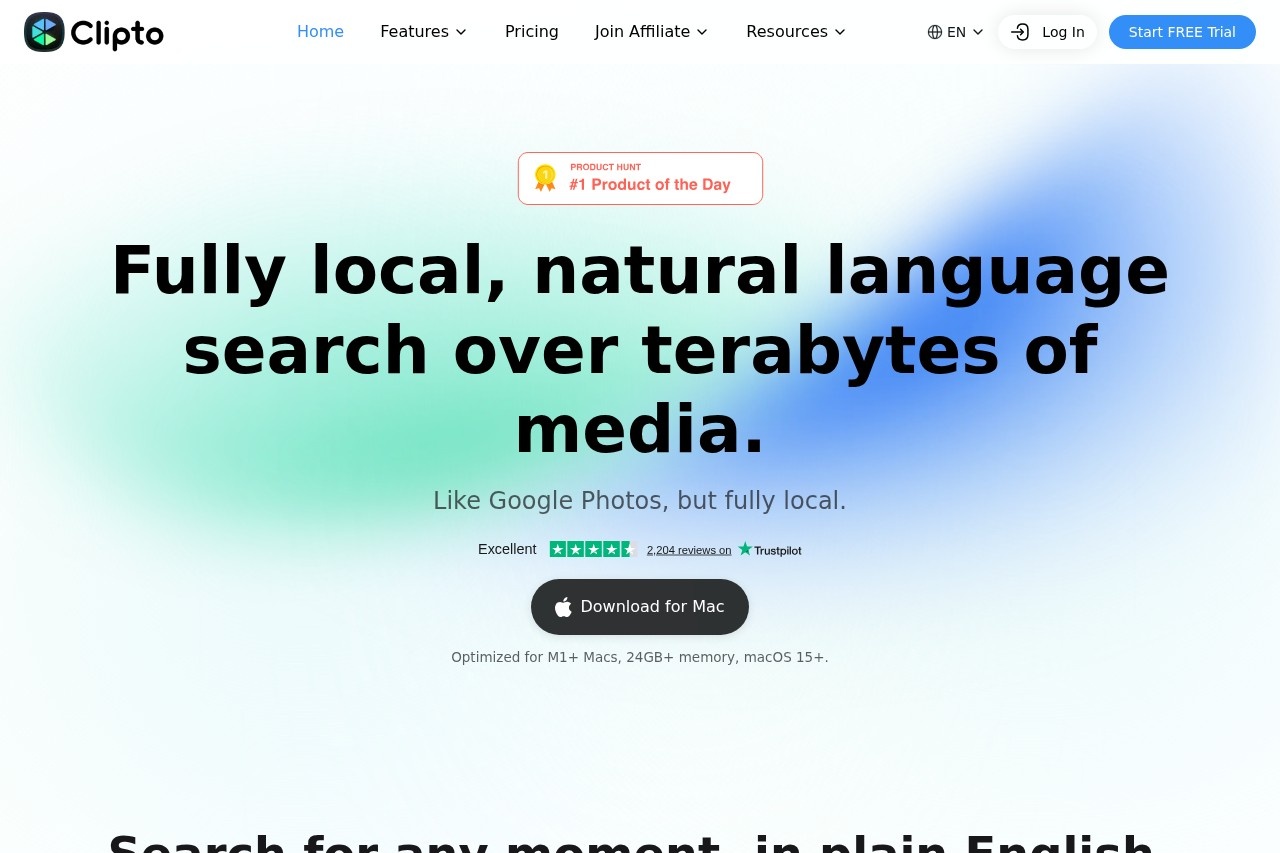
In an era of information overload, audio and video content is growing at an unprecedented pace, yet extracting meaningful insights from this unstructured data remains a persistent challenge. Clipto is an AI transcription and knowledge assistant built exclusively for Mac users, transforming meeting recordings, podcast episodes, video lectures, and any other audio or video files into searchable, organized, structured knowledge in seconds. With up to 99% transcription accuracy, intelligent speaker identification, and automatic summary generation, Clipto eliminates the need for manual note-taking and endless replaying, turning every conversation into a valuable part of your personal knowledge base.
Key Features
- High-Accuracy Transcription: Supports multiple languages and accents, converting audio and video content into text in real time or offline with up to 99% accuracy.
- Intelligent Speaker Identification: Automatically distinguishes between different speakers and clearly labels who said what, making meeting records easy to follow at a glance.
- Automatic Summary Generation: Uses AI models to extract key points and action items, generating concise meeting or content summaries with a single click.
- Full-Text Search and Retrieval: All transcribed content supports keyword search, allowing you to quickly locate specific topics or timestamps without manually scrolling through files.
- Local Knowledge Management: Transcripts are automatically stored locally on your Mac, with support for tags, folder organization, and note annotations to build your personal knowledge system.
Highlights
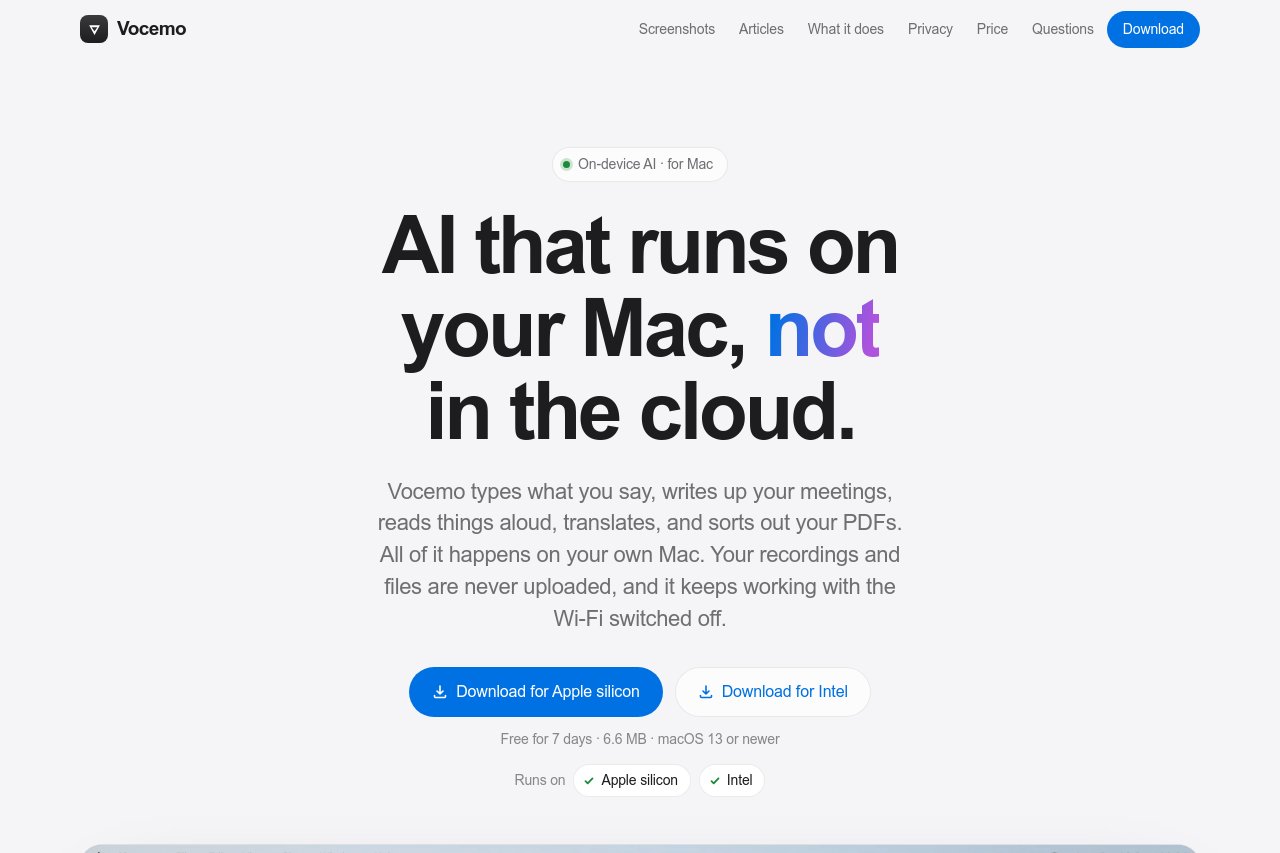
- Privacy First: All transcription and processing happen entirely on your device with no cloud uploads, safeguarding sensitive information and business confidentiality.
- Fully Offline Capability: No internet connection required — core transcription features work seamlessly in airplane mode or without Wi-Fi.
- Deep macOS Integration: Perfectly adapted to macOS system features, including Shortcuts, Spotlight Search, and optimized acceleration for Apple Silicon chips.
- Broad Format Compatibility: Supports common audio and video formats such as MP3, WAV, M4A, MP4, and MOV, plus live microphone recording input.
- Continuous Learning and Optimization: The model gradually adapts to your industry terminology and frequently used expressions over time, improving the long-term user experience.
Who It's For
Clipto is designed for professionals who frequently record meeting minutes, client interviews, or brainstorming sessions and want to cut down on manual note-taking time. It also serves students and researchers transcribing lectures, academic seminars, or interview recordings for easier review and citation, as well as content creators — podcasters, video bloggers, and journalists — who need to convert long audio into text for editing, publishing, or repurposing. Additionally, knowledge managers who prioritize personal information accumulation will find it invaluable for turning fragmented audio content into structured, searchable notes.