简介
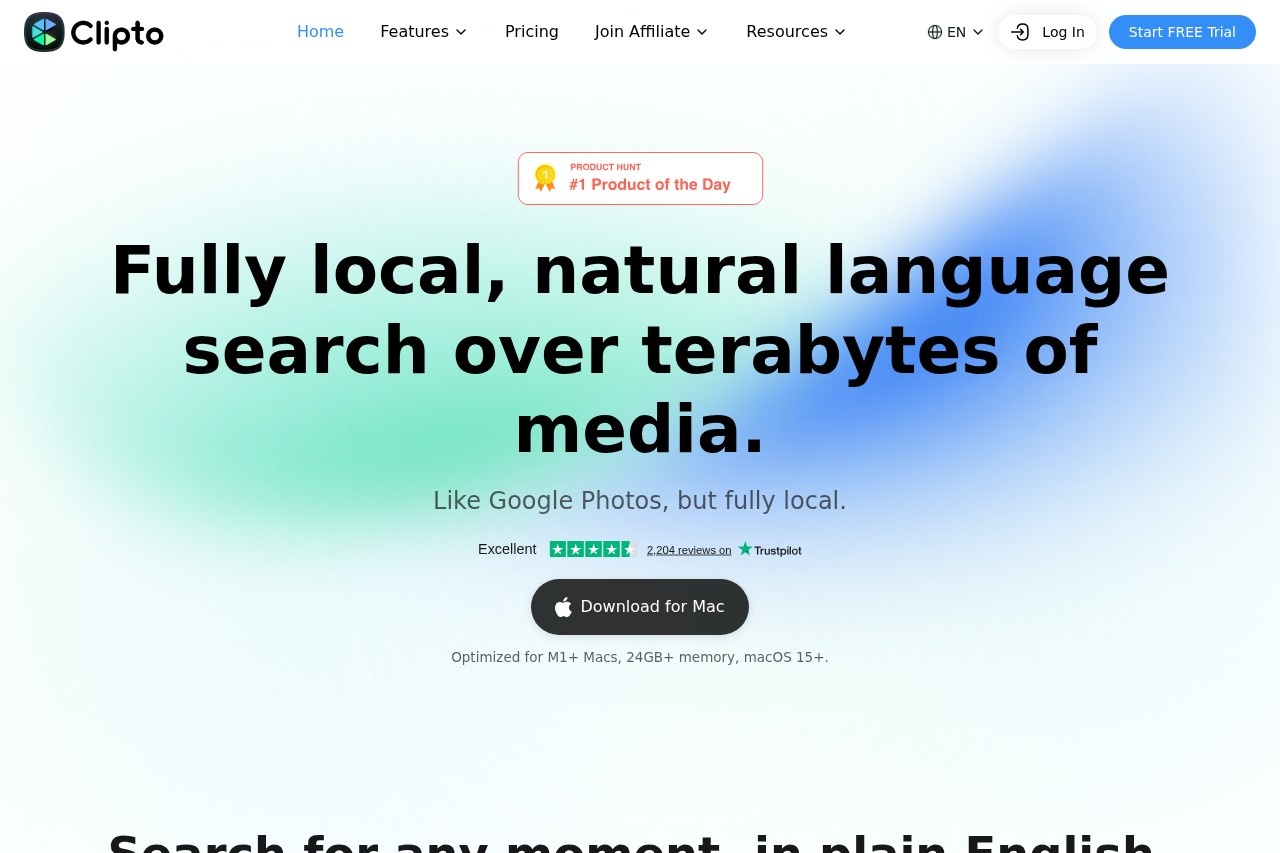
在信息爆炸的时代,音频和视频内容正以前所未有的速度增长,但如何高效地从这些非结构化数据中提取有价值的信息,始终是一个挑战。Clipto 是一款专为 Mac 用户打造的 AI 转录与知识助手,它能够将会议录音、播客节目、视频讲座等任何音视频文件,快速转化为可搜索、可管理的结构化知识。凭借高达 99% 的转录准确率、智能说话人识别以及自动摘要生成功能,Clipto 帮助您告别手动记录与反复回听,让每一段对话都成为您个人知识库的有机组成部分。
主要功能
**高精度转录:**支持多种语言与口音,将音频和视频内容实时或离线转录为文字,准确率高达 99%。
**智能说话人识别:**自动区分不同发言者,清晰标注对话归属,让会议记录一目了然。
**自动摘要生成:**利用 AI 模型提取核心要点与行动项,一键生成简洁的会议或内容摘要。
**全文搜索与检索:**所有转录内容均支持关键词搜索,快速定位特定话题或时间点,无需手动翻阅。
**本地化知识管理:**转录结果自动存储在 Mac 本地,支持标签、文件夹分类与笔记标注,构建个人知识体系。
特色优势
**隐私优先:**所有转录与处理均在本地设备完成,无需上传至云端,保障敏感信息与商业机密的安全。
**离线可用:**无需依赖网络连接,在飞行模式或无 Wi-Fi 环境下依然可以正常使用核心转录功能。
**深度集成 Mac 生态:**完美适配 macOS 的系统特性,支持快捷指令、聚焦搜索与 Apple Silicon 芯片的加速优化。
**多格式兼容:**支持 MP3、WAV、M4A、MP4、MOV 等常见音视频格式,以及实时麦克风录音输入。
**持续学习与优化:**模型会随着使用逐步适应您的行业术语与常用表达,提升长期使用体验。
适用人群
**职场人士:**需要频繁记录会议纪要、客户访谈或头脑风暴内容,希望节省手动整理时间。
**学生与研究人员:**用于转录课堂讲座、学术研讨会或采访录音,方便后续复习与引用。
**内容创作者:**播客主、视频博主或记者,可将长音频快速转化为文字稿,用于编辑、发布或二次创作。
**知识管理者:**注重个人知识积累,希望将碎片化的音频信息转化为结构化的可检索笔记。
常见问题
**问:Clipto 支持哪些语言?**答:目前支持中、英、日、韩、法、德、西班牙等主流语言,并持续增加更多语种。您可以在设置中自由选择输入语言。
**问:转录需要联网吗?**答:不需要。Clipto 采用本地 AI 引擎,所有处理均在 Mac 上完成,支持完全离线使用,确保数据隐私。
**问:如何导出转录结果?**答:您可以将转录内容导出为 TXT、SRT(字幕格式)、Markdown 或 PDF 文件,方便分享或导入其他笔记软件。
**问:对 Mac 配置有要求吗?**答:建议使用搭载 Apple Silicon 芯片(M1 或更新)的 Mac 设备,或 Intel 芯片的 Mac 且内存不低于 8GB,以获得最佳性能体验。
**问:是否支持批量处理?**答:支持。您可以将多个音视频文件拖入 Clipto 队列,系统会自动按顺序完成转录和摘要生成。
Introduction
In an era of information overload, audio and video content is growing at an unprecedented pace, yet extracting meaningful insights from this unstructured data remains a persistent challenge. Clipto is an AI transcription and knowledge assistant built exclusively for Mac users, transforming meeting recordings, podcast episodes, video lectures, and any other audio or video files into searchable, organized, structured knowledge in seconds. With up to 99% transcription accuracy, intelligent speaker identification, and automatic summary generation, Clipto eliminates the need for manual note-taking and endless replaying, turning every conversation into a valuable part of your personal knowledge base.
Key Features
High-Accuracy Transcription: Supports multiple languages and accents, converting audio and video content into text in real time or offline with up to 99% accuracy.
Intelligent Speaker Identification: Automatically distinguishes between different speakers and clearly labels who said what, making meeting records easy to follow at a glance.
Automatic Summary Generation: Uses AI models to extract key points and action items, generating concise meeting or content summaries with a single click.
Full-Text Search and Retrieval: All transcribed content supports keyword search, allowing you to quickly locate specific topics or timestamps without manually scrolling through files.
Local Knowledge Management: Transcripts are automatically stored locally on your Mac, with support for tags, folder organization, and note annotations to build your personal knowledge system.
Highlights
Privacy First: All transcription and processing happen entirely on your device with no cloud uploads, safeguarding sensitive information and business confidentiality.
Fully Offline Capability: No internet connection required — core transcription features work seamlessly in airplane mode or without Wi-Fi.
Deep macOS Integration: Perfectly adapted to macOS system features, including Shortcuts, Spotlight Search, and optimized acceleration for Apple Silicon chips.
Broad Format Compatibility: Supports common audio and video formats such as MP3, WAV, M4A, MP4, and MOV, plus live microphone recording input.
Continuous Learning and Optimization: The model gradually adapts to your industry terminology and frequently used expressions over time, improving the long-term user experience.
Who It's For
Clipto is designed for professionals who frequently record meeting minutes, client interviews, or brainstorming sessions and want to cut down on manual note-taking time. It also serves students and researchers transcribing lectures, academic seminars, or interview recordings for easier review and citation, as well as content creators — podcasters, video bloggers, and journalists — who need to convert long audio into text for editing, publishing, or repurposing. Additionally, knowledge managers who prioritize personal information accumulation will find it invaluable for turning fragmented audio content into structured, searchable notes.