AI Image Generator
Create unique images from text with over 8000 styles. Fast and versatile.
Introduction
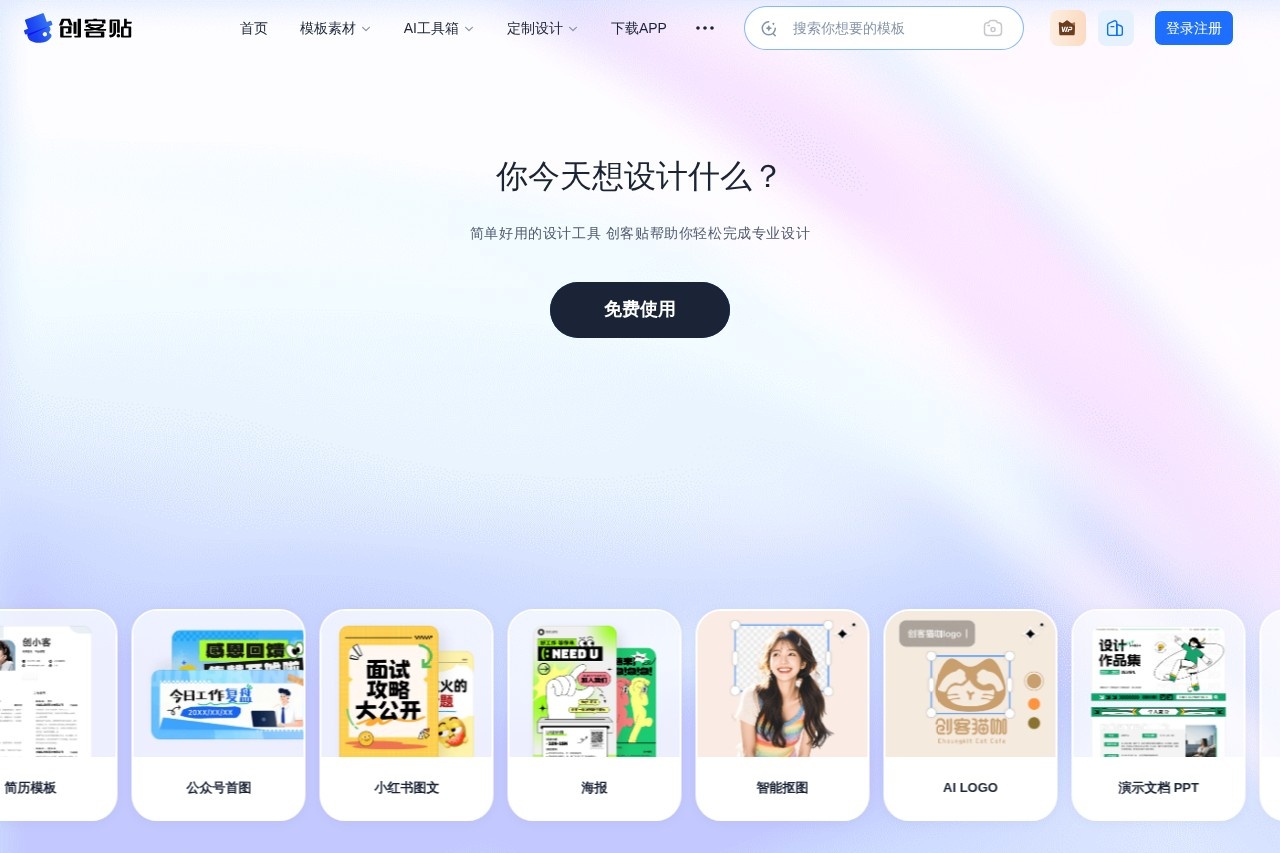
Chuangkit is a powerful online image and video editor designed to deliver a simple, accessible design experience for everyone. Whether you are a professional designer or a complete beginner, you can quickly produce high-quality design work with Chuangkit. The platform offers a massive library of licensed assets, along with practical tools like AI-powered background removal and customizable templates, making creative design effortless and within reach for all.
Key Features
- 80 million+ commercial asset library: includes images, illustrations, fonts, videos, and other design elements
- AI background removal tool: automatically removes backgrounds with one click and accurately identifies subject outlines
- Multi-scenario templates: provides templates for social media, e-commerce, print materials, and more
- Real-time online collaboration: supports team members working together on design projects simultaneously
- Multi-format export: supports exporting in JPG, PNG, PDF, MP4, and other file formats
Highlights
- Extremely low learning curve and an efficient workflow that set it apart from traditional design software
- Cloud-based storage means no downloads or installations are required; users can start creating from any browser, anytime, anywhere
- All assets come with commercial licensing, so users can confidently use them in various business contexts
- AI-powered tools like smart color matching and auto-layout significantly boost design efficiency, helping users produce professional-grade work quickly
Who It's For
Chuangkit is ideal for a wide range of users with design needs: social media content creators who need to make eye-catching images and covers quickly, e-commerce professionals designing product detail pages and promotional posters, corporate marketing teams producing brand materials and event flyers, educators creating course slides and teaching resources, and individual users making personal photo books, invitations, and more.