Gemini Omni Video - AI Video Generator
What is Gemini Omni Video - AI Video Generator?
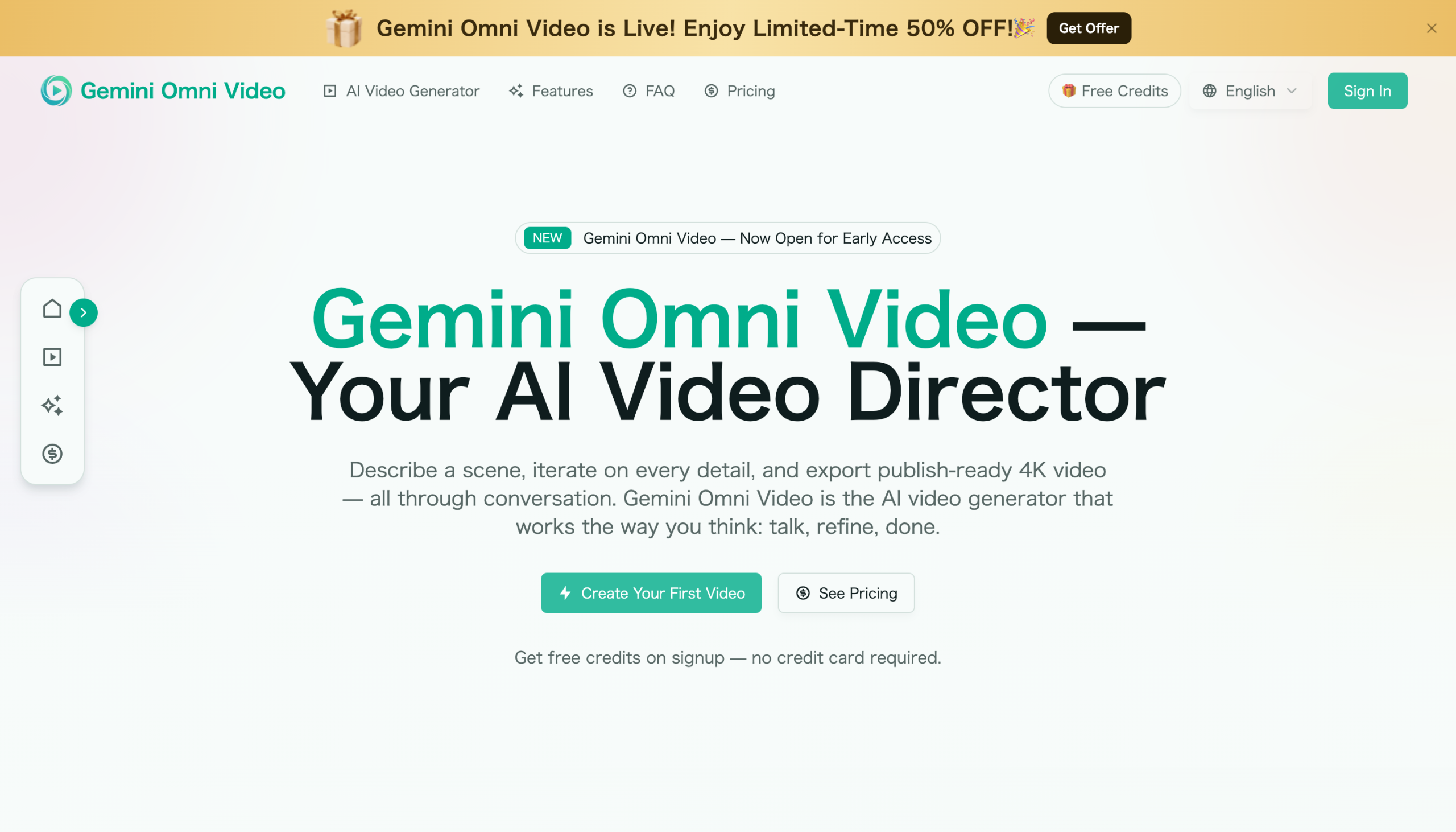
Gemini Omni Video - AI Video Generator is a conversational AI video generator built on Google's Gemini Omni model. It is designed to make video creation feel like a creative conversation: describe a scene, refine the details in plain language, and export publish-ready 4K video.
Instead of working with complex timelines or manual editing tools, Gemini Omni Video lets users direct videos through natural instructions. You can type a scene, upload a reference image, paste an audio clip, or combine multiple inputs into one workflow. The tool then turns your creative brief into a polished video that can be refined step by step.
Gemini Omni Video - AI Video Generator is useful for creators, marketers, product teams, social media managers, and anyone who needs to generate, edit, and publish videos without traditional production overhead.
How to use Gemini Omni Video - AI Video Generator?
To get started, open the website Gemini Omni AI Video and begin with a simple creative brief. You can describe the video you want in plain English, such as the scene, mood, camera movement, lighting, characters, product focus, or pacing.
- Set the stage: Add your raw materials, such as a text prompt, script, product photo, reference image, audio clip, or a combination of inputs.
- Direct the scene: Tell the AI what you want to create or change, including camera angle, visual style, color grade, background, timing, or atmosphere.
- Preview and refine: Review the generated video and continue giving feedback in natural language, such as “make the lighting warmer,” “slow the camera pan,” or “zoom in on the product.”
- Export the final video: When the result matches your vision, export the finished video in publish-ready quality, including up to 4K resolution.
Gemini Omni Video - AI Video Generator's Core features:
- Conversational video generation: Create and edit videos by describing what you want in plain language, just like briefing a human video director.
- Built on Google's Gemini Omni model: The product uses the Gemini Omni model to support multimodal video creation from text, images, audio, and video inputs.
- Script-to-screen creation: Paste a script or outline and generate a rendered video with matching visuals, pacing, transitions, and audio.
- Photo-to-motion: Upload a still image, such as a product shot, sketch, or landscape, and turn it into a video with natural motion and camera movement.
- Multi-turn video editing: Refine generated videos through follow-up instructions without starting over from scratch.
- Context-aware iteration: Adjust lighting, framing, background, dialogue, timing, or visual style while keeping the useful parts of previous generations.
- Auto-matched audio: Generate synchronized ambient sound, effects, and dialogue aligned with the visual output.
- 4K multi-format export: Export videos up to 4K in landscape, portrait, or square formats for different publishing platforms.
- Consistent characters across clips: Maintain character appearance, clothing, and visual style across multiple scenes for more coherent video projects.
- One workflow for multiple inputs: Combine scripts, images, audio, and video clips into a single creative brief without manual compositing.
Gemini Omni Video - AI Video Generator's Use cases:
- Social media videos: Create short videos for TikTok, Instagram Reels, YouTube Shorts, and other social platforms.
- Marketing and ads: Turn product concepts, promotional scripts, or campaign ideas into polished video assets.
- Product showcases: Animate product images, create feature highlights, and generate platform-ready product videos.
- Content creation: Produce videos from written ideas, outlines, or scripts without needing a full production team.
- Brand storytelling: Build consistent characters, scenes, and styles across multiple clips for campaigns or series.
- Client work: Quickly generate drafts, present visual concepts, and refine video ideas through conversation.
- Educational explainers: Convert lesson outlines, tutorials, or topic summaries into engaging visual clips.
- Rapid prototyping: Test video ideas, visual directions, and narrative concepts before committing to traditional production.
FAQ
What is Gemini Omni Video - AI Video Generator?
Gemini Omni Video - AI Video Generator is an AI-powered video creation tool that works through conversation. Users describe a scene, provide optional reference materials, refine the result with follow-up instructions, and export publish-ready video.
How is it different from many other AI video tools?
Many AI video tools work as one-shot generators. Gemini Omni Video - AI Video Generator is designed for iteration, so users can adjust details such as lighting, camera framing, pacing, background, and style without losing the overall creative context.
What inputs can I use?
The tool supports creative inputs such as text prompts, scripts, reference images, audio clips, and video clips. These can be used individually or combined into one workflow.
What export options are available?
Gemini Omni Video - AI Video Generator supports export up to 4K resolution and can create videos for landscape, portrait, and square formats, making it suitable for platforms like YouTube, TikTok, Instagram, and LinkedIn.
Can I refine a video after it is generated?
Yes. Users can continue editing through natural language instructions, including changing the scene, adjusting timing, extending a shot, modifying the mood, or improving the visual composition.
Where can I try it?
You can visit Gemini Omni Video AI to start creating videos from a prompt, script, image, audio clip, or other supported creative input.
中文版
什么是 Gemini Omni Video - AI 视频生成器?
Gemini Omni Video - AI 视频生成器 是一款基于 Google Gemini Omni 模型构建的对话式 AI 视频生成工具。它的设计理念是让视频创作像一场创意对话:描述一个场景,用自然语言完善细节,然后导出可直接发布的 4K 视频。
无需处理复杂的时间轴或手动编辑工具,Gemini Omni Video 让用户通过自然指令来指导视频创作。您可以输入一段场景描述、上传一张参考图片、粘贴一段音频片段,或将多种输入组合到一个工作流程中。该工具随后会将您的创意简报转化为精美的视频,并可逐步进行细化调整。
Gemini Omni Video - AI 视频生成器适用于创作者、营销人员、产品团队、社交媒体运营者,以及任何需要在没有传统制作成本的情况下生成、编辑和发布视频的用户。
如何使用 Gemini Omni Video - AI 视频生成器?
要开始使用,请打开网站 Gemini Omni AI Video,从一个简单的创意简报开始。您可以用自然语言描述您想要的视频,例如场景、氛围、镜头运动、灯光、角色、产品焦点或节奏。
- 设定基础:添加您的原始素材,例如文本提示词、脚本、产品照片、参考图片、音频片段,或多种输入的组合。
- 指导场景:告诉 AI 您想要创建或更改的内容,包括镜头角度、视觉风格、色调、背景、时长或氛围。
- 预览与优化:查看生成的视频,并通过自然语言继续提供反馈,例如“让灯光更暖一些”、“放慢镜头平移”或“放大产品特写”。
- 导出最终视频:当结果符合您的预期时,以可发布的质量导出成品视频,最高支持 4K 分辨率。
Gemini Omni Video - AI 视频生成器的核心功能:
- 对话式视频生成:通过自然语言描述您的需求来创建和编辑视频,就像向人类视频导演简报一样。
- 基于 Google Gemini Omni 模型:该产品使用 Gemini Omni 模型,支持从文本、图像、音频和视频输入进行多模态视频创作。
- 脚本到成片:粘贴脚本或大纲,即可生成带有匹配视觉效果、节奏、转场和音频的渲染视频。
- 照片动态化:上传静态图片(如产品照片、草图或风景照),将其转化为具有自然动态和镜头运动的视频。
- 多轮视频编辑:通过后续指令优化生成的视频,无需从头开始。
- 上下文感知迭代:调整灯光、构图、背景、对白、时长或视觉风格,同时保留之前生成内容中有用的部分。
- 自动匹配音频:生成与视觉输出同步的环境音、音效和对白。
- 4K 多格式导出:以横屏、竖屏或方形格式导出最高 4K 的视频,适用于不同发布平台。
- 跨片段角色一致性:在多个场景中保持角色外观、服装和视觉风格的一致性,使视频项目更加连贯。
- 多输入单流程:将脚本、图像、音频和视频片段组合到一个创意简报中,无需手动合成。
Gemini Omni Video - AI 视频生成器的适用场景:
- 社交媒体视频:为 TikTok、Instagram Reels、YouTube Shorts 等社交平台创建短视频。
- 营销与广告:将产品概念、促销脚本或活动创意转化为精美的视频素材。
- 产品展示:将产品图片动态化,制作功能亮点,生成适合平台发布的产品视频。
- 内容创作:无需完整制作团队,即可从文字创意、大纲或脚本制作视频。
- 品牌叙事:在多个片段中构建一致的角色、场景和风格,用于营销活动或系列内容。
- 客户项目:快速生成草稿、展示视觉概念,并通过对话完善视频创意。
- 教育讲解:将课程大纲、教程或主题摘要转化为引人入胜的视觉片段。
- 快速原型制作:在投入传统制作之前,测试视频创意、视觉方向和叙事概念。
常见问题解答
什么是 Gemini Omni Video - AI 视频生成器?
Gemini Omni Video - AI 视频生成器是一款通过对话方式进行创作的 AI 视频制作工具。用户描述场景、提供可选的参考素材、通过后续指令优化结果,并导出可发布的视频。
它与其他 AI 视频工具有何不同?
许多 AI 视频工具是单次生成模式。而 Gemini Omni Video - AI 视频生成器专为迭代优化而设计,用户可以在不丢失整体创意上下文的情况下调整灯光、镜头构图、节奏、背景和风格等细节。
我可以使用哪些输入?
该工具支持文本提示词、脚本、参考图片、音频片段和视频片段等创意输入。这些输入可以单独使用,也可以组合到一个工作流程中。
有哪些导出选项?
Gemini Omni Video - AI 视频生成器支持最高 4K 分辨率导出,并可生成横屏、竖屏和方形格式的视频,适用于 YouTube、TikTok、Instagram 和 LinkedIn 等平台。
视频生成后可以继续优化吗?
可以。用户可以通过自然语言指令继续编辑,包括更改场景、调整时长、延长镜头、修改氛围或改善视觉构图。
在哪里可以试用?
您可以访问 Gemini Omni Video AI,通过提示词、脚本、图片、音频片段或其他支持的创意输入开始创建视频。