Video Text Remover
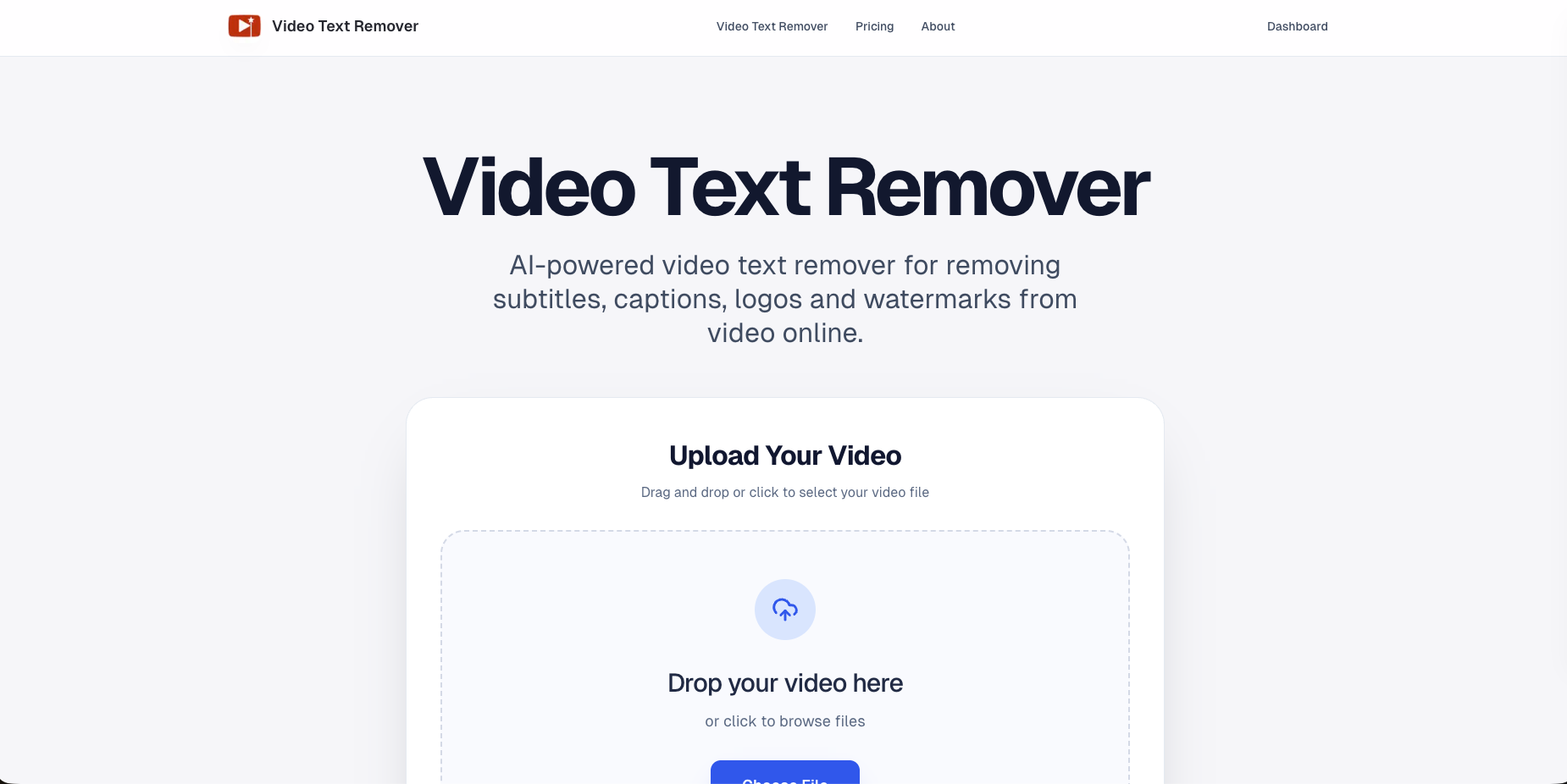
Remove subtitles, captions, logos, and TikTok watermarks from videos online with AI. Upload, clean, and export polished results in minutes.
Introduction
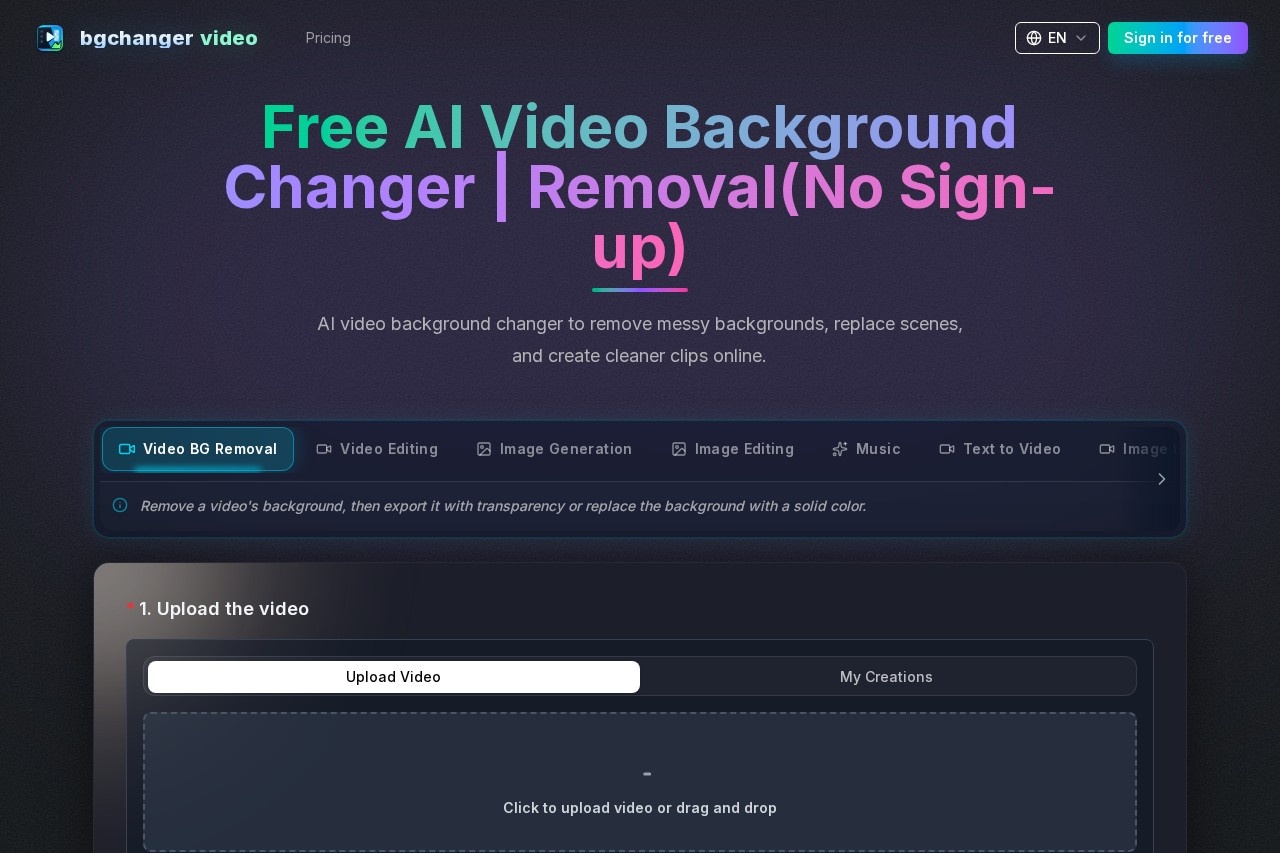
Video Text Remover is an online video processing tool built on advanced artificial intelligence technology. It is specifically designed to quickly and efficiently remove unwanted text elements from videos, such as subtitles, captions, channel logos, watermarks (including the common TikTok watermark), and more. Simply upload your video, and the AI will intelligently detect and remove these distracting elements, helping you achieve a clean, professional final product in just minutes—no complex video editing skills required.
Key Features
- Smart Subtitle and Caption Removal: Automatically detects and removes hardcoded subtitles and descriptive text from videos.
- One-Click Watermark Removal: Easily eliminates logos, brand marks, and dynamic watermarks from platforms like TikTok in video corners.
- AI Background Restoration: After removing text, the AI analyzes and intelligently fills in the covered background areas for seamless repair.
- Online Processing and Fast Export: Everything is done right in your browser with no software downloads required. Processing is quick, and multiple export formats are supported.
Highlights
- Extremely Simple Workflow: A three-step process—upload, process, and download—offering a smooth and intuitive user experience.
- Precise Results: The AI algorithm is specially trained to remove text while preserving the original video quality as much as possible.
- Secure and Private: All processing is performed securely in the cloud, with a commitment to protecting the privacy of your uploaded video files.
- Cross-Platform Accessibility: Works directly through browsers on Windows, Mac, and even mobile devices, so you can edit videos anytime, anywhere.
Who It's For
Video Text Remover is a valuable assistant for a wide range of video content creators and everyday users. Short-form video creators can remove platform watermarks or irrelevant subtitles from source material to make their work look more professional. Social media managers can repurpose downloaded footage by removing original channel logos and captions for secondary creation. Educators and trainers can clean up distracting text in recorded lessons to keep the focus on core content. And regular users can easily remove accidental date stamps, location tags, or unwanted watermarks from personal videos.