Sharpniq - Unblur Image Online
Sharpniq sharpens blurry photos instantly in your browser—no uploads or sign-up required—with optional paid cloud enhancement for even more clarity.
Intro
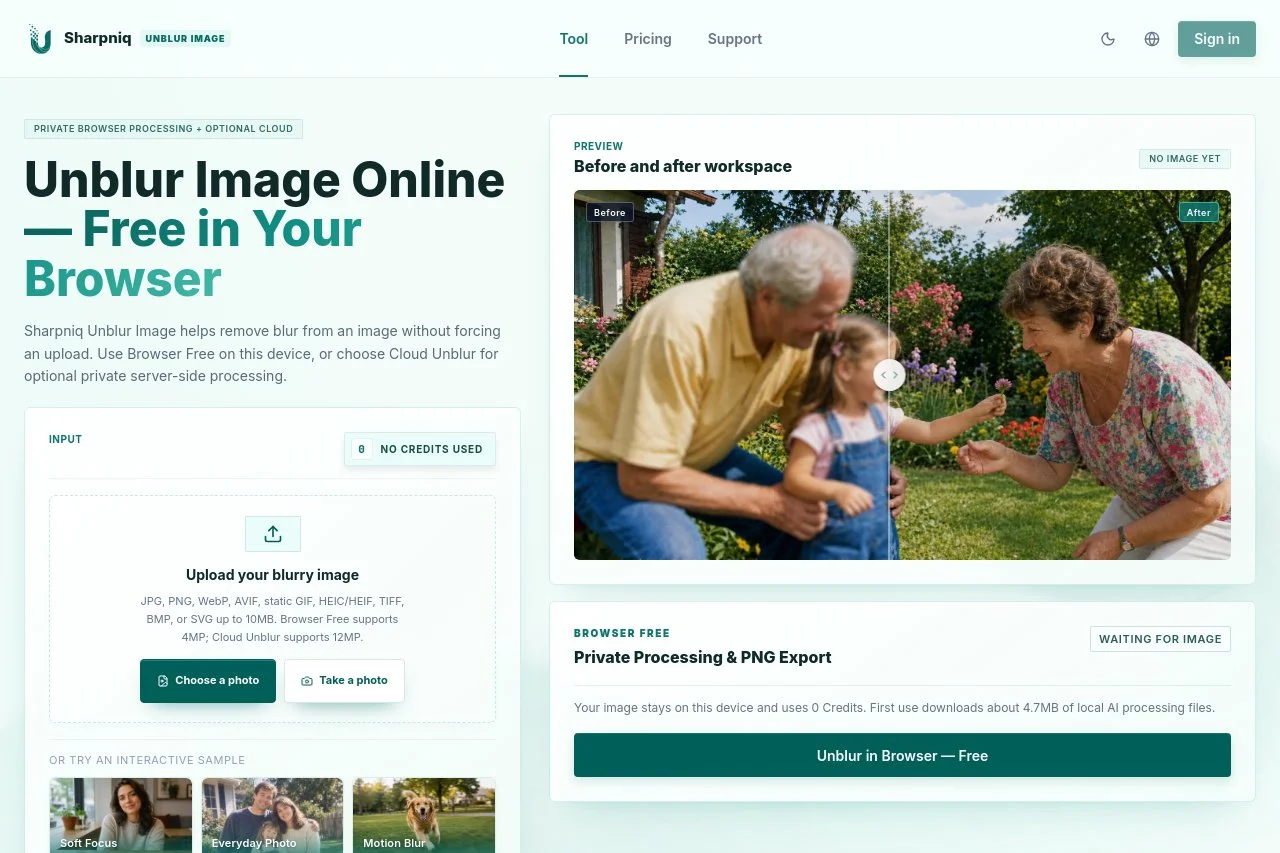
Sharpniq is a browser-based photo enhancement tool that unblurs and sharpens fuzzy images without uploading them anywhere. All processing happens locally on your device, so your photos never leave your computer. There is no account to create and no sign-in wall to pass—just open the site, drop in an image, and let the enhancement engine work. For heavier jobs, an optional paid cloud mode is also available.Key Features
- Local in-browser enhancement that keeps photos on your device
- No upload, no registration, no login required
- One-click sharpening for blurry or soft photos
- Optional paid cloud enhancement for demanding tasks
- Works directly in any modern web browser
Standout Advantages
The biggest advantage is privacy. Because images are processed locally, sensitive photos—IDs, family pictures, business documents—never touch a third-party server. Speed is another benefit: with no upload or download round-trip, results appear far faster than with typical online enhancers. The zero-friction access model also stands out; there is no paywall before you even see what the tool can do, and the free local mode covers everyday needs while cloud processing remains a choice, not a requirement.Who It Is For
Sharpniq suits anyone who occasionally needs to rescue a blurry photo: casual photographers fixing soft shots, professionals sharpening scanned documents or product images, social media users improving old pictures, and privacy-conscious users who refuse to upload personal photos to unknown servers. If you want a quick, no-signup sharpening tool that respects your data, Sharpniq is a practical pick.Pricing
Freemium
FAQ
使用 Sharpniq 需要注册登录吗?
浏览器本地处理完全免费且无需注册登录,打开网页即可使用。只有选择付费云端增强服务时才需要登录账号。
我的照片会被上传到服务器吗?
本地处理模式下全程在浏览器本地运算,图片不离开设备、原图不外传。证件照、聊天截图等敏感内容也能放心处理。
云端增强如何收费?
云端处理需登录并消耗 10 Credits,且仅在交付可用结果时才扣费。免费本地增强与付费云端方案并存,可按需选择。
Sharpniq 适合处理哪些类型的模糊照片?
适用于老照片、截图、监控画面等多种模糊类型,可一键去除照片模糊,智能恢复细节与锐度。
At a Glance
- Platform
- Web
Facts verified on 2026-09-29