RoomFacelift
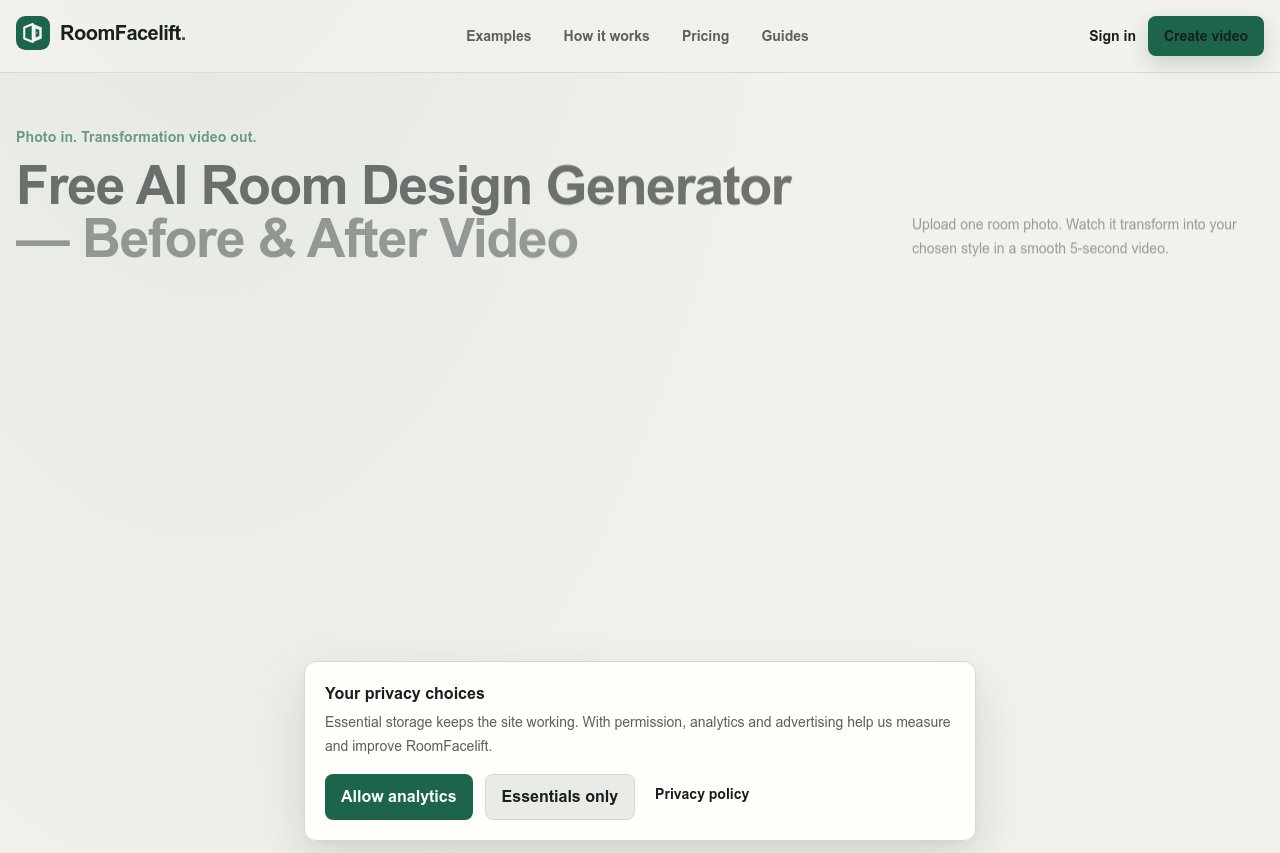
Upload a room photo, choose a style, and get an AI redesign delivered as a before-and-after transformation video — a more realistic way to visualize a renovation.
Overview
Most AI room design tools stop at one thing: upload a photo, get another photo back. RoomFacelift goes further by turning your room redesign into a short before-and-after video, so you can actually watch your space transform instead of staring at a single generated image.
Key Features
- Upload a room photo, choose the room type, and pick from 15 interior styles including Modern, Scandinavian, Japandi, Mid-century Modern, Industrial, Bohemian, Luxury, French Country, Minimalist, Art Deco, Coastal, and Farmhouse
- Control exactly how much of the room is allowed to change
- Generate a redesigned version and automatically convert the original and new images into a transformation video
What Makes It Different
RoomFacelift tackles the hardest problem in AI room design: preservation. AI models often alter things you want to keep, such as camera angle, windows, doors, wall geometry, or room proportions, which makes results feel fake. Two design modes solve this:
- Keep Layout: preserves viewpoint, framing, perspective, and major architectural elements while changing only furniture, materials, lighting, and decor
- Reimagine Space: gives the model more freedom to redesign while keeping the same camera position and overall room identity
Each style is powered by a structured design recipe rather than just a style name, making generated results far more consistent.
Who It's For
- Homeowners and renters planning a renovation who want to preview styles before committing
- Interior designers and real estate agents needing quick, convincing visualizations
- Home improvement creators sharing before-and-after transformation content