Microsoft Designer
Create stunning designs with AI-powered tools. Effortlessly craft graphics, presentations, and more.
Introduction
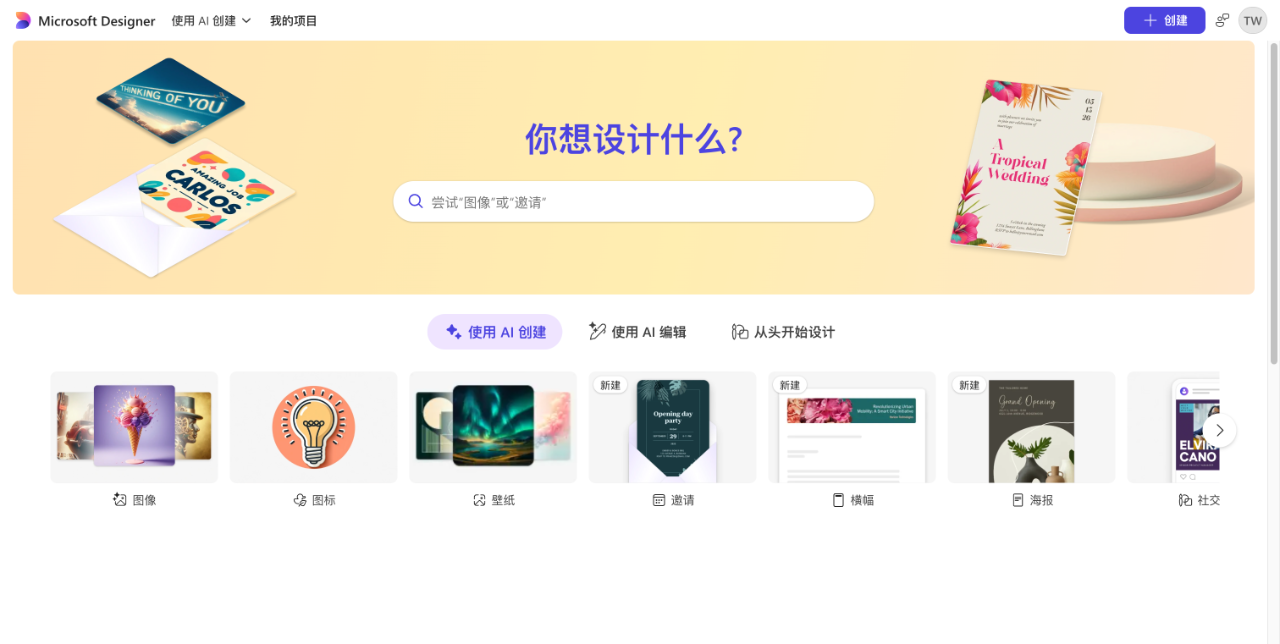
Microsoft Designer is a graphic design application developed by Microsoft that helps users quickly create social media posts, invitations, digital greeting cards, and a wide range of other visual content. Whether you are an individual user or a small business, the intuitive interface and extensive template library make it easy to achieve professional-grade design results without any prior experience.
Key Features
- Extensive template library: Offers a vast collection of preset templates covering social media, event invitations, brand promotion, and more.
- Smart design suggestions: Uses AI technology to automatically recommend color palettes, fonts, and layout options to boost design efficiency.
- Multi-platform compatibility: Supports both web and mobile devices, allowing you to edit and share your designs anytime, anywhere.
- Collaboration tools: Enables real-time multi-user editing, making it easy for teams to work together on design projects.
Highlights
- The biggest highlight of Microsoft Designer is its outstanding ease of use and AI-powered design assistance.
- Even users with no design background can quickly produce high-quality visuals through simple drag-and-drop actions and AI recommendations.
- Deep integration with the Microsoft ecosystem, including OneDrive and Teams, makes file storage and team collaboration seamless and efficient.
Who It's For
Microsoft Designer is ideal for social media managers who need to create eye-catching posts, ads, and cover images; small business owners looking to produce branded marketing materials and event invitations at low cost; individuals designing personalized cards or posters for special occasions like birthdays and weddings; and educators who want to create classroom presentation materials or promotional content for school activities.