EasePaint
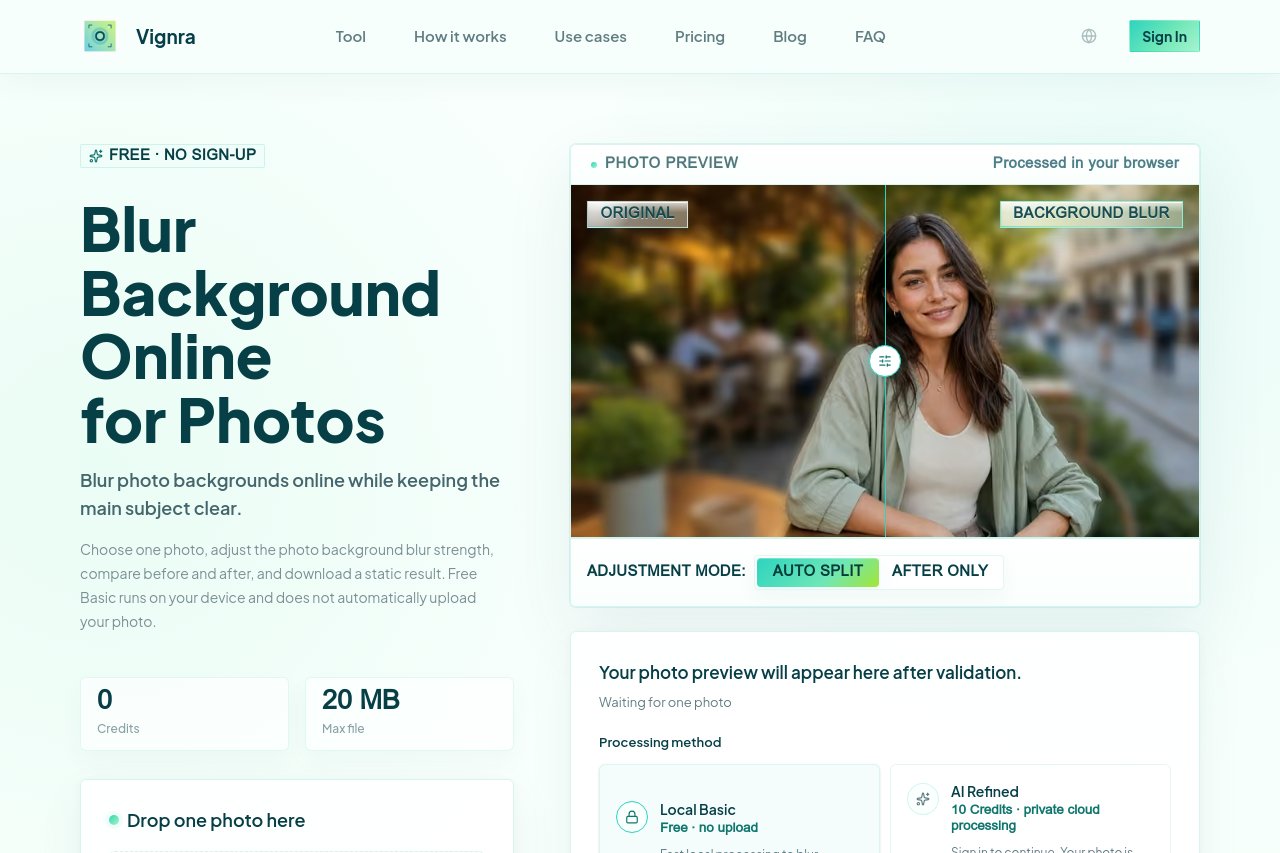
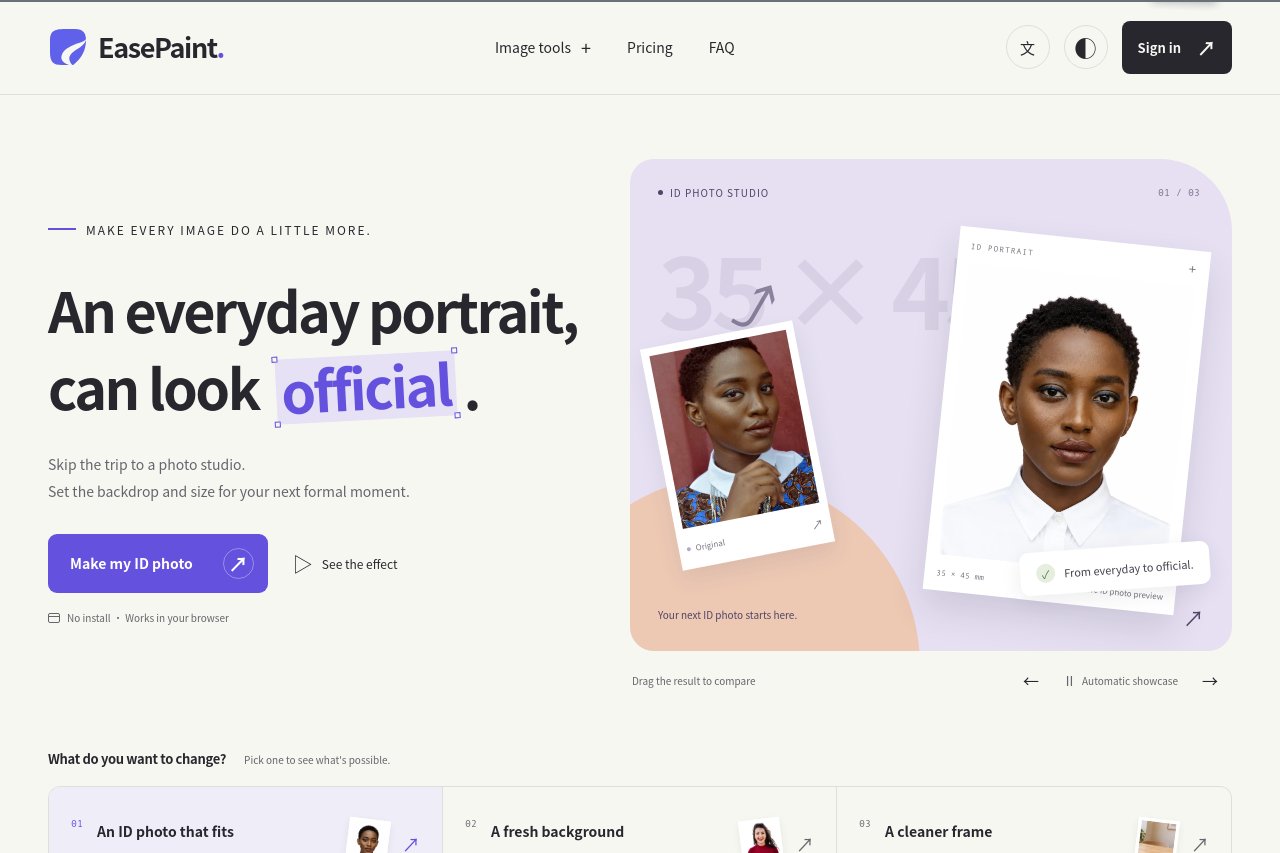
EasePaint is a browser-based image toolkit with AI object and background removal, plus tools for compression, cropping, format conversion, watermarks, GIF creation, and filters.
Intro
EasePaint is a lightweight, browser-based image workstation that brings everyday photo editing together in one clean workspace. From quick compression and cropping to format conversion, watermarks, GIF handling, and creative filters, it covers the routine tasks that usually require juggling multiple apps. No installation is needed—open the site, drop in an image, and start editing right away.
Key Features
EasePaint bundles a practical set of tools: a smart compressor that shrinks file sizes while preserving visual quality; a flexible cropper and resizer for social media dimensions; one-click conversion between JPG, PNG, WebP, and other popular formats; a watermarking tool for protecting your work; built-in GIF creation and editing; and a gallery of adjustable filters for instant style changes. On top of these, two AI-powered utilities—background removal and object erasure—run on a flexible credit system, so you pay only for what you actually use.
Standout Advantages
The biggest advantage is convenience: everything runs in the browser, so it works on Windows, Mac, and even Chromebooks without downloads. The credit-based AI features remove the commitment of a subscription, making advanced editing accessible for occasional users. The interface is simple and task-focused, letting beginners achieve professional-looking results in seconds, while streamlined workflows save time for anyone processing multiple images.
Who It Is For
EasePaint is ideal for e-commerce sellers preparing product photos, content creators and social media managers who need fast, consistent visuals, students and office workers handling everyday images, and casual users who want quick edits without learning complex software like Photoshop.