ChatGPT Atlas - AI Tools
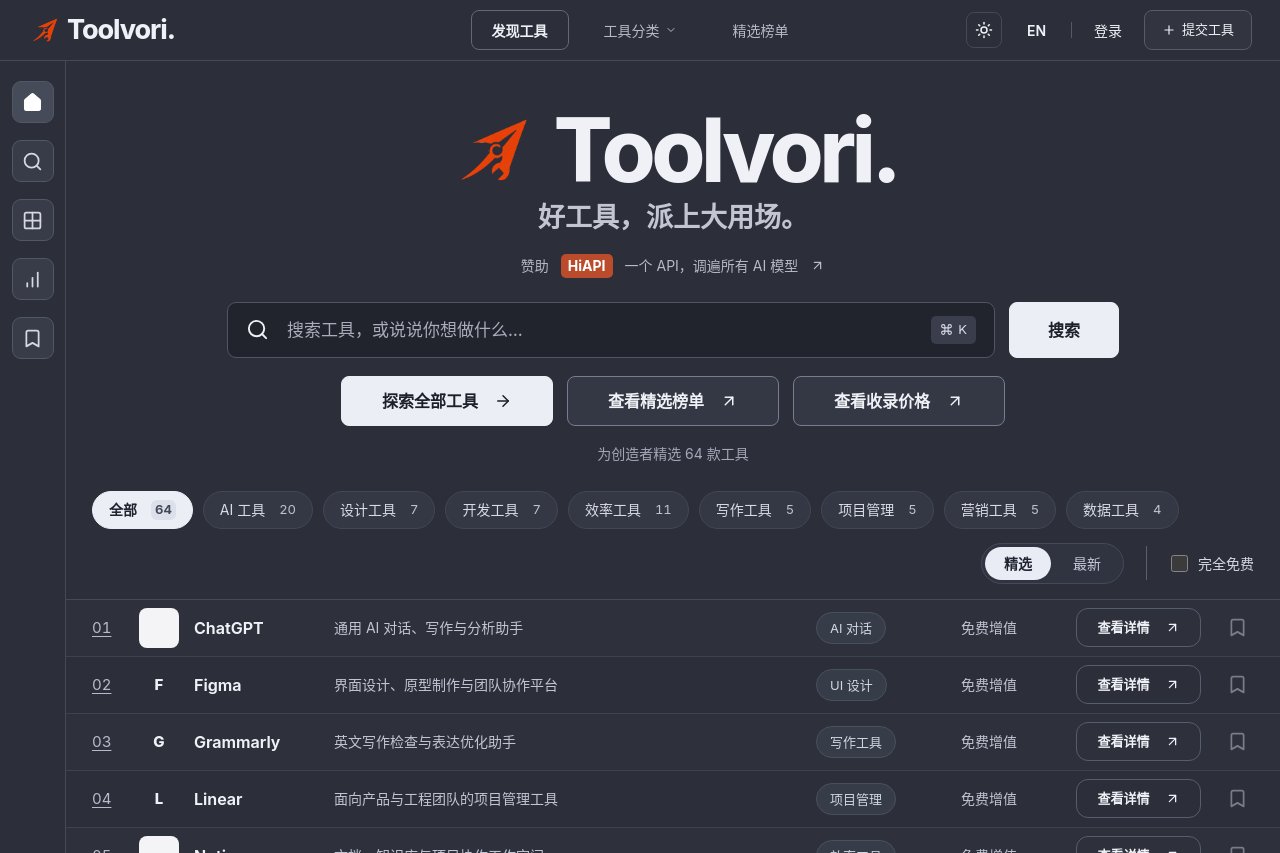
ChatGPT Atlas is a directory of OpenAI-powered tools, featuring ChatGPT plugins and AI resources for various tasks.
Introduction
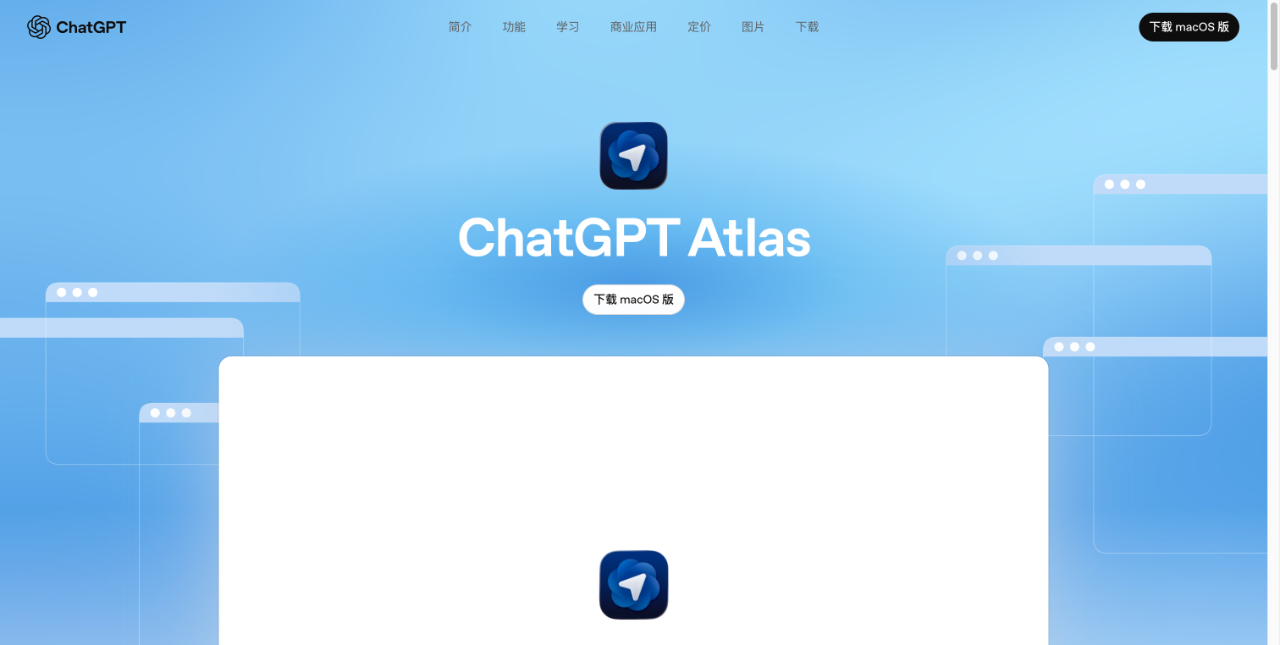
ChatGPT Atlas is a browser application released by OpenAI, embedding its flagship product ChatGPT (a chat/assistant-type AI) directly into the browser. It was launched on October 21, 2025, with macOS as the first supported platform, while Windows, iOS, and Android versions are planned. Rather than simply being a browser with a chat window, it rethinks how users work on the web from the perspective of combining browsing, chatting, and task automation.
Key Features
- Built-in chat with page understanding: While browsing any webpage, you can open the ChatGPT sidebar and ask questions like "What is this page mainly about?" or "Compare the differences between these two products/services," with the browser passing the current page content as context.
- Browser Memories: The browser can optionally enable a memory feature, allowing ChatGPT to remember webpages you have visited, information you have saved, and your past conversations, enabling more personalized responses over time. Users can view, archive, or delete these memories, and deleting browsing history also clears related memories.
- Agent Mode: For users subscribed to paid tiers (such as Plus, Pro, Business, etc.), Atlas supports an Agent Mode that lets ChatGPT go beyond answering questions to actually use browsing context and work across multiple websites to complete tasks like research, shopping, booking tickets, and gathering information.
- Traditional browser features with data import: Supports importing bookmarks, history, saved passwords, and more from your existing browser for a smoother transition, while remaining compatible with the Chromium engine for mainstream webpage compatibility.
Highlights
- Seamless browsing plus intelligent assistant experience: You do not need to constantly switch between a chat window and your browser while reading, working, or researching, as the assistant is embedded in the same interface, reducing context switching.
- Enhanced contextual understanding: Because the browser knows which webpage you are on and what task you are doing, ChatGPT can better grasp your intent rather than starting from scratch.
- Task automation capability: Agent Mode allows the browser to not just answer questions but actually do things for you, which traditional browsers cannot easily achieve.
- Personalization and continuity: The memory feature makes ChatGPT increasingly attuned to you over time, such as remembering the topics you care about and the content you have searched for previously.
- Privacy and control: Despite introducing significant intelligence and memory capabilities, the company notes that these memories are controllable, allowing users to view and delete them, and that browsing data is not used to train models by default.
Who It's For
ChatGPT Atlas is especially beneficial for heavy web researchers and information workers, such as entrepreneurs, market/product/strategy analysts, and founders who frequently search, compare, and organize information across multiple pages, as this assistant-style browser reduces repetitive work. It also suits users who need to handle cross-page comprehensive tasks, such as not just gathering information but also organizing, analyzing, editing, and making decisions, where Agent Mode can help. Additionally, it appeals to efficiency-focused users who want to streamline the flow from reading webpages to extracting information to organizing tasks, as well as those open to trying new tools and embracing AI assistance, though the product is still relatively new and may have maturity, ecosystem, and compatibility issues. Finally, it fits users who want both intelligence and privacy control, as Atlas provides options for managing memory and protecting data.