AutoDraw - Drawing Tool
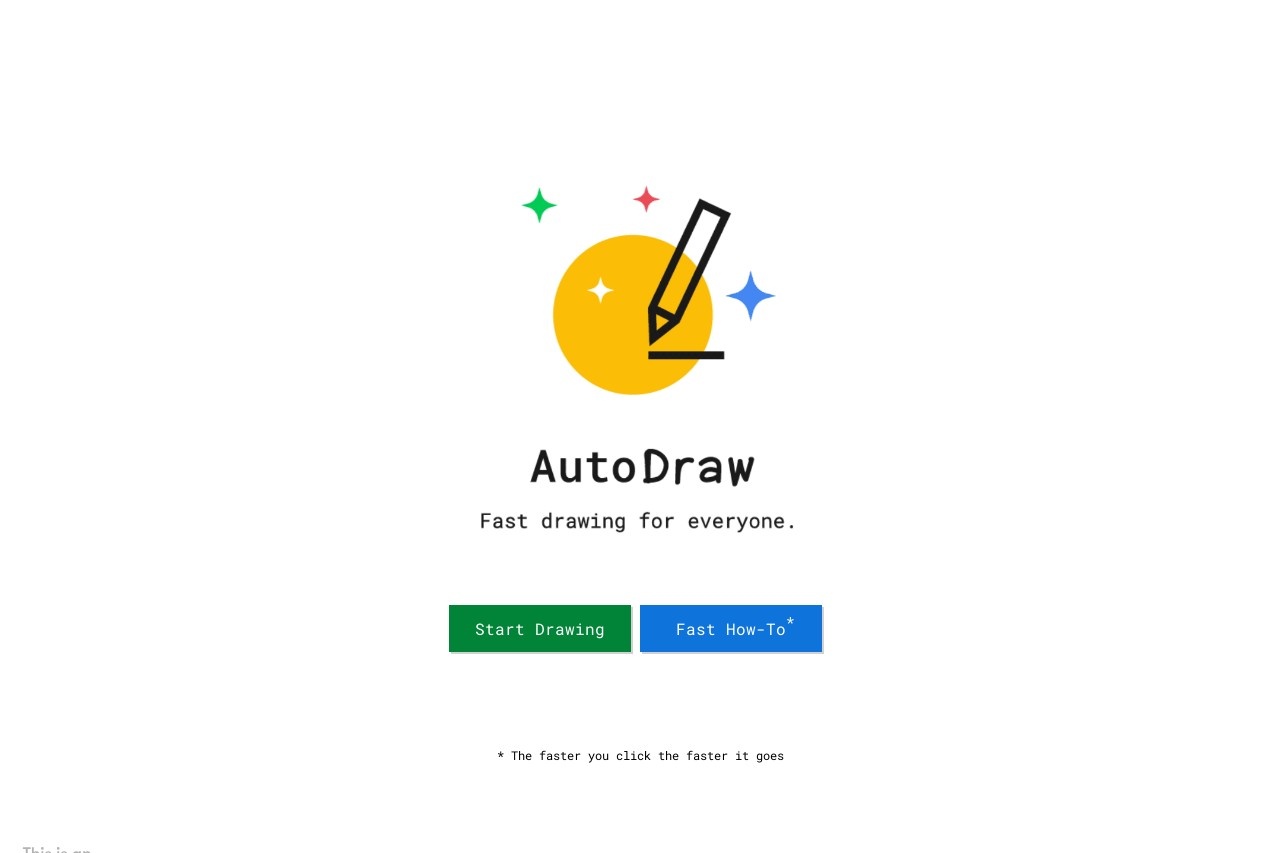
AutoDraw turns your sketches into polished drawings with AI assistance. Quick and fun.
Introduction
AutoDraw is a smart drawing tool developed by Google that combines advanced machine learning technology with artwork from artists around the world to help users create high-quality drawings quickly. Whether you are a professional designer or a complete beginner, AutoDraw recognizes your sketches and offers polished suggestions, making the creative process simpler and more efficient.
Key Features
- Smart sketch recognition: Uses machine learning algorithms to automatically identify simple shapes you draw and recommend more polished versions.
- Artist artwork library: Includes a built-in collection of graphics created by professional artists, ready to use or serve as inspiration.
- Quick editing tools: Offers basic drawing tools such as brushes, shapes, and text insertion to handle simple design needs.
- Cross-platform support: No download required; works directly in the browser across desktops, tablets, and phones.
Highlights
- Powerful AI assistance: Unlike traditional drawing tools, AutoDraw understands your drawing intent and matches it with the most suitable graphic suggestions.
- Time-saving and low barrier: Reduces the effort needed to create clean visuals and makes drawing accessible to everyone.
- Completely free to use: No cost, no hidden fees, and no complicated setup.
- Clean and intuitive interface: Simple to navigate with no steep learning curve, so you can start creating right away.
Who It's For
AutoDraw is ideal for a wide range of users. Designers and illustrators can quickly generate sketches or find creative inspiration. Educators and students can use it to create teaching materials or complete class assignments. Everyday users who lack professional drawing skills can easily make simple graphics or diagrams. Content creators can add personalized visual elements to social media posts, blogs, or presentations.