AI Remover
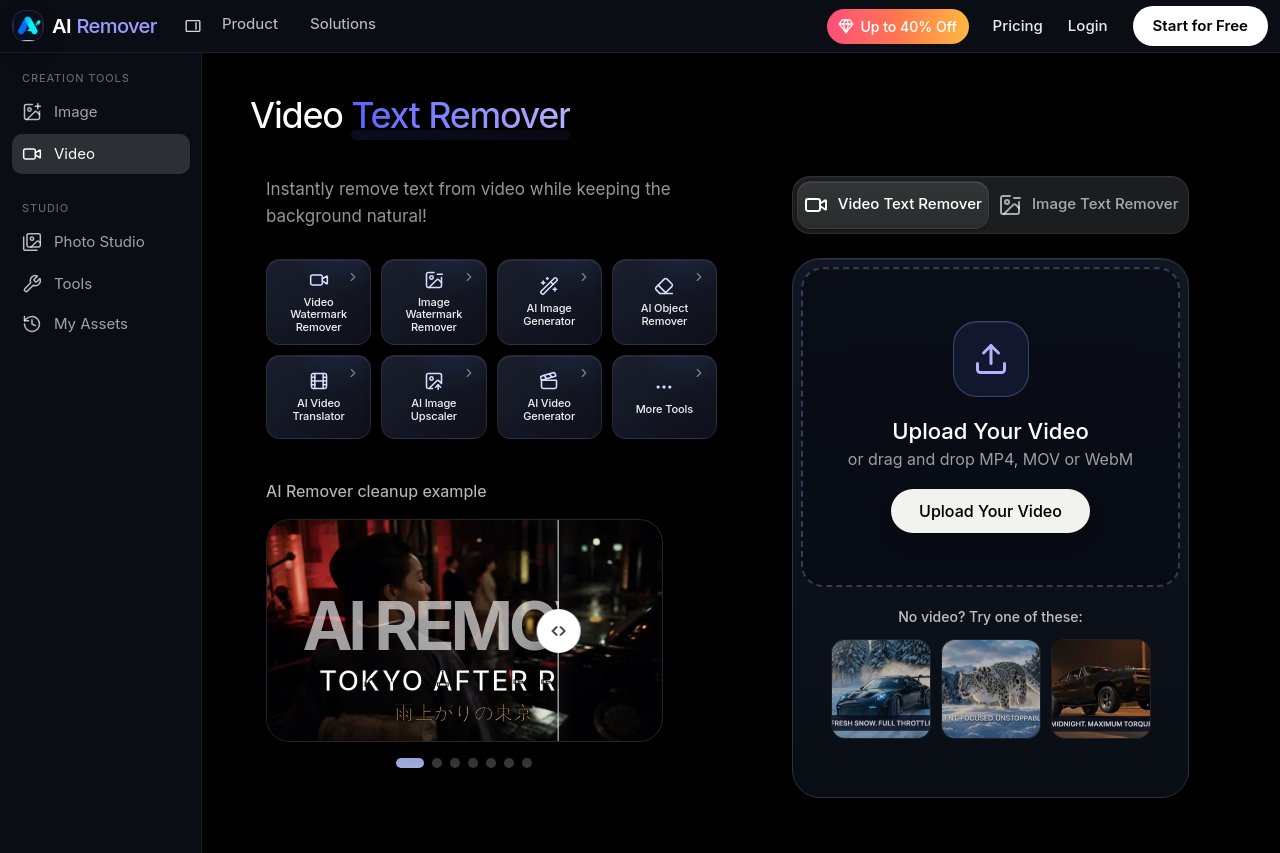
AI Remover clears visible captions, burned-in subtitles, account labels, promo text, and selected watermarks from your videos while intelligently reconstructing the background underneath.
Introduction
AI Remover is an intelligent cleaning tool built for video editors. It removes visible captions, burned-in subtitles, account labels, promotional text, and selected watermarks from footage, then reconstructs the affected background with AI so the frame looks untouched. Whether you are repurposing clips or preparing clean assets, it dramatically cuts down manual retouching time. Learn more at https://airemover.org/.
Key Features
- Remove visible captions and burned-in subtitles
- Erase account names and platform labels
- Clean promotional text and marketing overlays
- Handle selected watermark areas on demand
- Automatically rebuild occluded backgrounds with AI inpainting
Highlights
Unlike traditional blur or mosaic tricks, AI Remover uses background reconstruction to infer and restore the texture hidden behind the text, leaving no obvious traces. The workflow is simple: import your video, mark the target area, and let the tool process it. No advanced post-production skills are required, making professional-looking cleanup accessible to everyone.
Who Is It For
- Video editors working on remixes and re-edits
- Content operators curating and repurposing footage
- Creators and short-video teams
- Everyday users who want quick text cleanup