
AI room design tools are everywhere now, but most of them stop at one thing: Upload a room photo → generate another room photo. I wanted to build something slightly different. Instead of only showing a redesigned image, I wanted users to see the transformation as a short **before-and-after video**. That idea became **RoomFacelift**. 👉 https://roomfacelift.com ## What RoomFacelift does The workflow is simple: 1. Upload a photo of your room 2. Choose the room type 3. Pick an interior design style 4. Decide how much of the room can change 5. Generate a redesigned version 6. Turn the original and redesigned images into a transformation video The goal is to make AI room design feel less like generating a random image and more like visualizing an actual renovation. ## Keeping the original room recognizable One of the hardest problems was not image generation itself. It was preservation. AI models often change things users do not want changed: - camera angle - windows - doors - TVs - wall geometry - visible floor area - room proportions For a room redesign tool, that can make the result feel fake. So I added two design modes. ### Keep Layout This mode tries to preserve: - viewpoint - camera height - framing - perspective - room geometry - major architectural elements The AI mainly changes furniture, materials, lighting, decoration, and interior style. ### Reimagine Space This mode gives the model more freedom to redesign the room while still trying to keep the same camera position and overall identity. That distinction turned out to be important because different users want very different levels of transformation. ## Interior styles RoomFacelift currently supports styles such as: - Modern - Scandinavian - Japandi - Mid-century Modern - Industrial - Bohemian - Luxury - French Country - Minimalist - Art Deco - Coastal - Farmhouse - Mediterranean - Contemporary - Traditional Instead of relying only on the style name, each style is backed by a more structured design recipe. That helps make the generated results more consistent. ## The technical stack The application is built with: - Next.js - TypeScript - Supabase - fal.ai - Cloud storage - Google Cloud Run - FFmpeg - Waffo for payments The basic generation pipeline looks like this: User photo ↓ Private storage ↓ AI redesigned image ↓ Before + After frames ↓ Image-to-video generation ↓ Watermark processing ↓ Final transformation video
简介
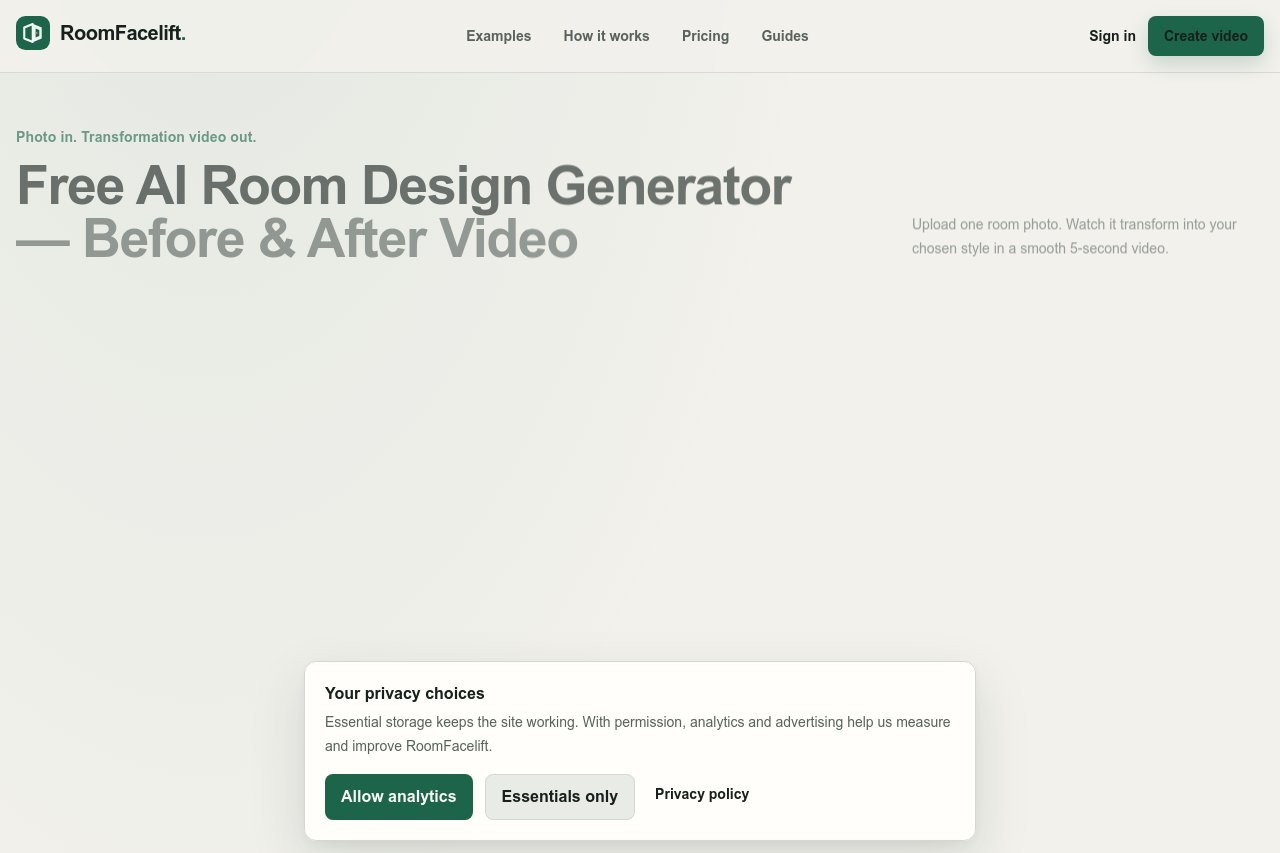
RoomFacelift 是一款 AI 室内设计工具,与市面上常见的“上传照片、生成另一张照片”类工具不同,它能把房间改造的前后效果制作成一段对比短视频,让用户像预览真实装修过程一样直观感受空间的变化,而不只是看到一张随机生成的图片。
主要功能
定价与费用
- Keep Layout 模式:保留视角、相机高度、构图、透视与主要建筑结构,仅更换家具、材质、灯光与装饰
- Reimagine Space 模式:在维持相机位置与房间整体特征的前提下,给予 AI 更大的重新设计自由度
- 每种风格均基于结构化设计配方驱动,而非仅依赖风格名称,生成结果更加稳定一致
适用人群
- 计划装修、想提前预览不同风格的房主与租客
- 需要快速产出效果图与对比展示的室内设计师、房产经纪人
- 希望以前后对比视频呈现改造效果的家居博主与内容创作者
相关教程
查看全部 →


相关工具
查看全部 → Meme Picture 免费 AI 表情包生成器:上传自拍或宠物照片,选择经典模板,几秒生成可分享的 PNG 表情包。每日免费额度,无需设计技能。
  Video Translator 简介 VideoTranslator.org 是一款免费的 AI 视频翻译工具。上传视频后,该工具会自动提取音频,使用 Whisper 进行语音识别转写,将字幕翻译成 40 多种语言,并可选配 AI 语音配音功能,最终将字幕烧录到 MP4 视频中。 主要功能 上传视频并自动提取音频 使用 Whisper 将语音转写为文本 将字幕翻译成 40 多种语言 可选的 AI 语音配音 将字幕烧录到 MP4 视频 内置在线字幕编辑器,支持 SRT、TXT、VTT 格式导出 特色优势 完全 …
  Kirkify 简介 使用 Kirkify AI,将任意照片瞬间转化为搞笑的 Kirkified 表情包。为创作者、营销人员和表情包爱好者打造的先进换脸与 AI 视频工具。 主要功能 一键将任意照片转化为趣味十足的 Kirkified 表情包 先进的换脸技术,支持高质量人脸替换 AI 视频工具,满足多样化创作需求 特色优势 即时生成,无需等待,轻松获得搞笑效果 操作简单,适合各类用户快速上手 覆盖表情包制作、换脸和视频处理的一体化解决方案 适用 …
  VideoAny VideoAny 是一体化 AI 创作平台,可根据文本或图片生成视频、图像和音频,并提供免费体验额度。
  Akmon Akmon 是一款免费的 AI 人性化改写工具,可将 AI 生成的文本改写得更自然流畅,从而降低被 AI 检测工具识别的概率——无需注册即可使用。免费版提供充足的用量额度,Pro 版享有更高额度。学习工具套件包含:改写器、PDF 摘要生成器、PDF 翻译器、YouTube 摘要生成器、数学求解器。支持网页端与 iOS 端。